Offline-first screen and audio translator for Windows with OCR overlay, Lens Mode, beta Audio Translation, backlog history, GPU OCR controls, presets, local models, Ollama, OpenAI-compatible local APIs, and optional OpenRouter cloud translation.
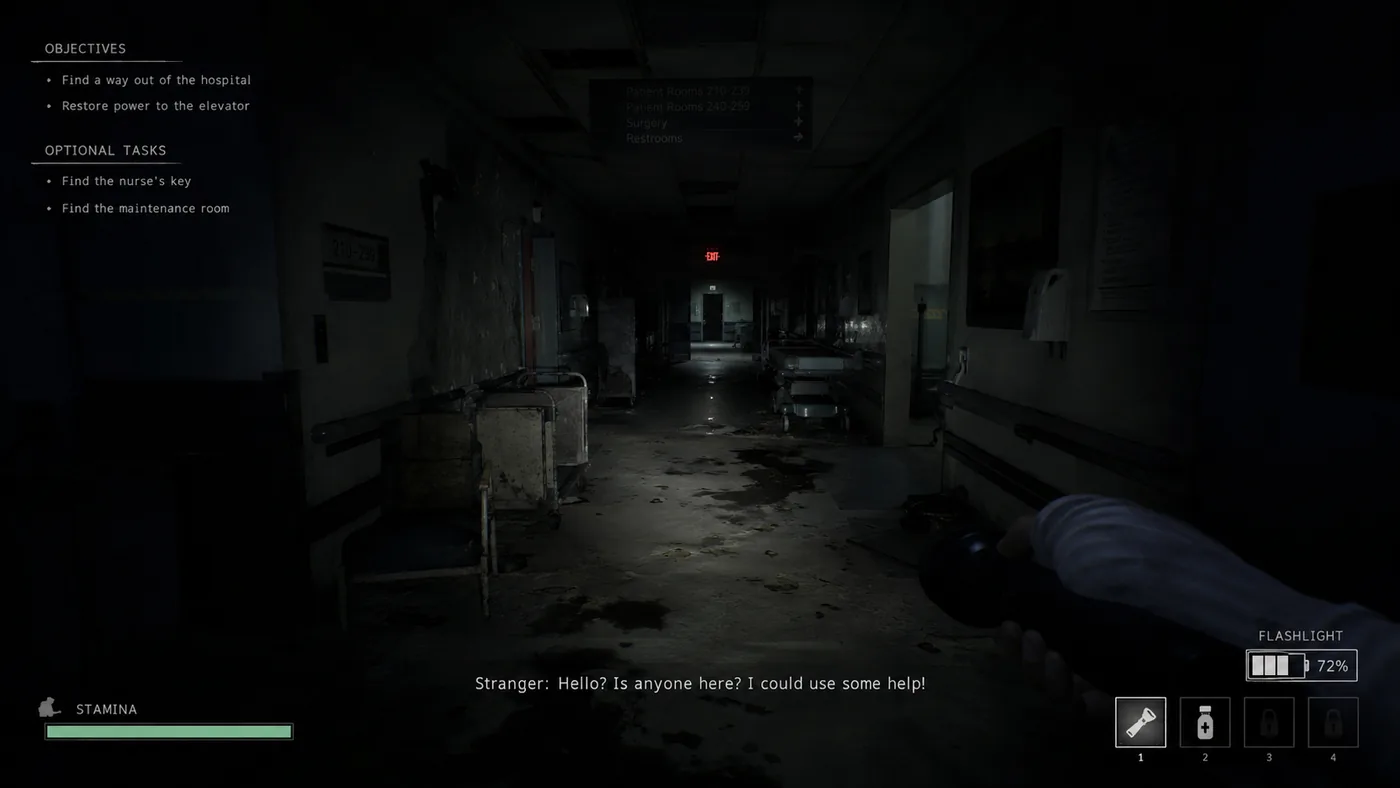
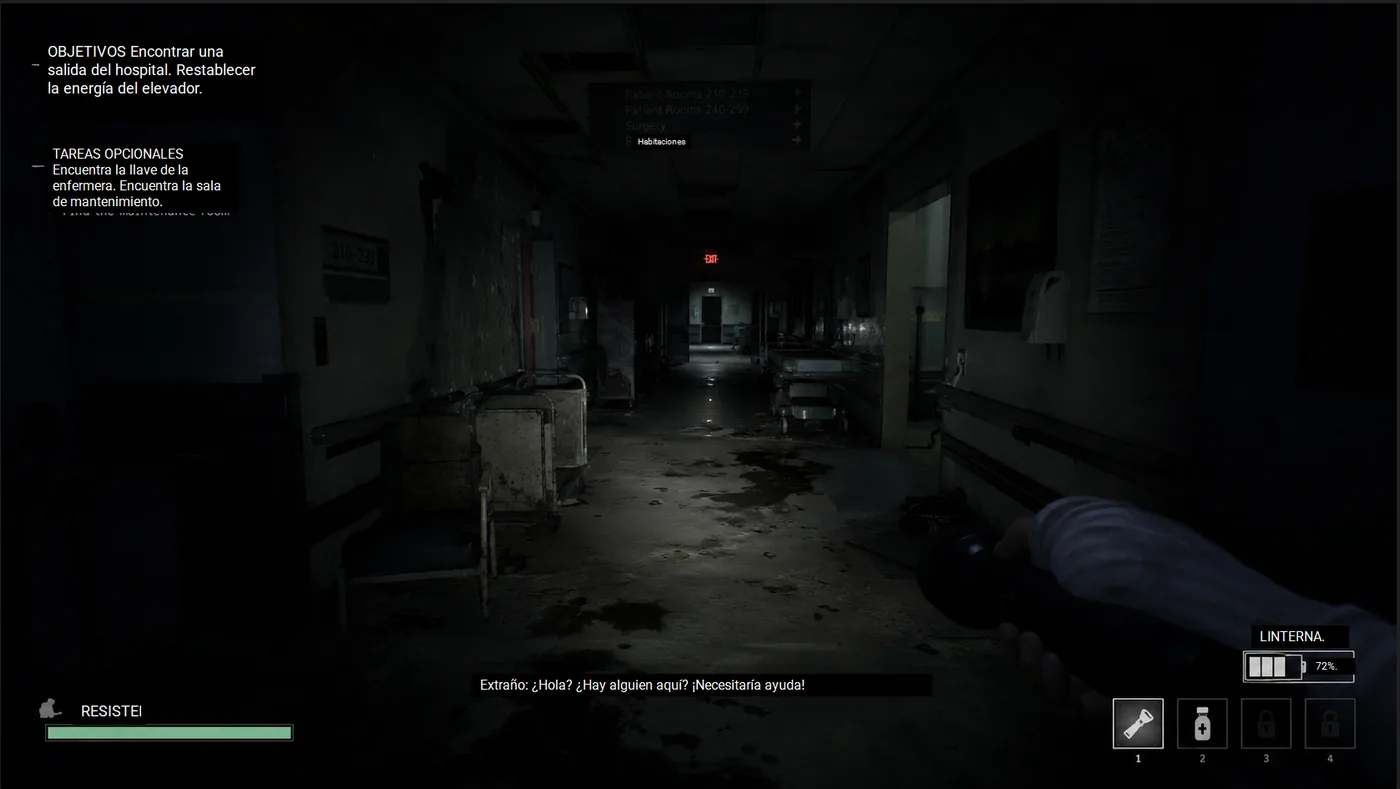
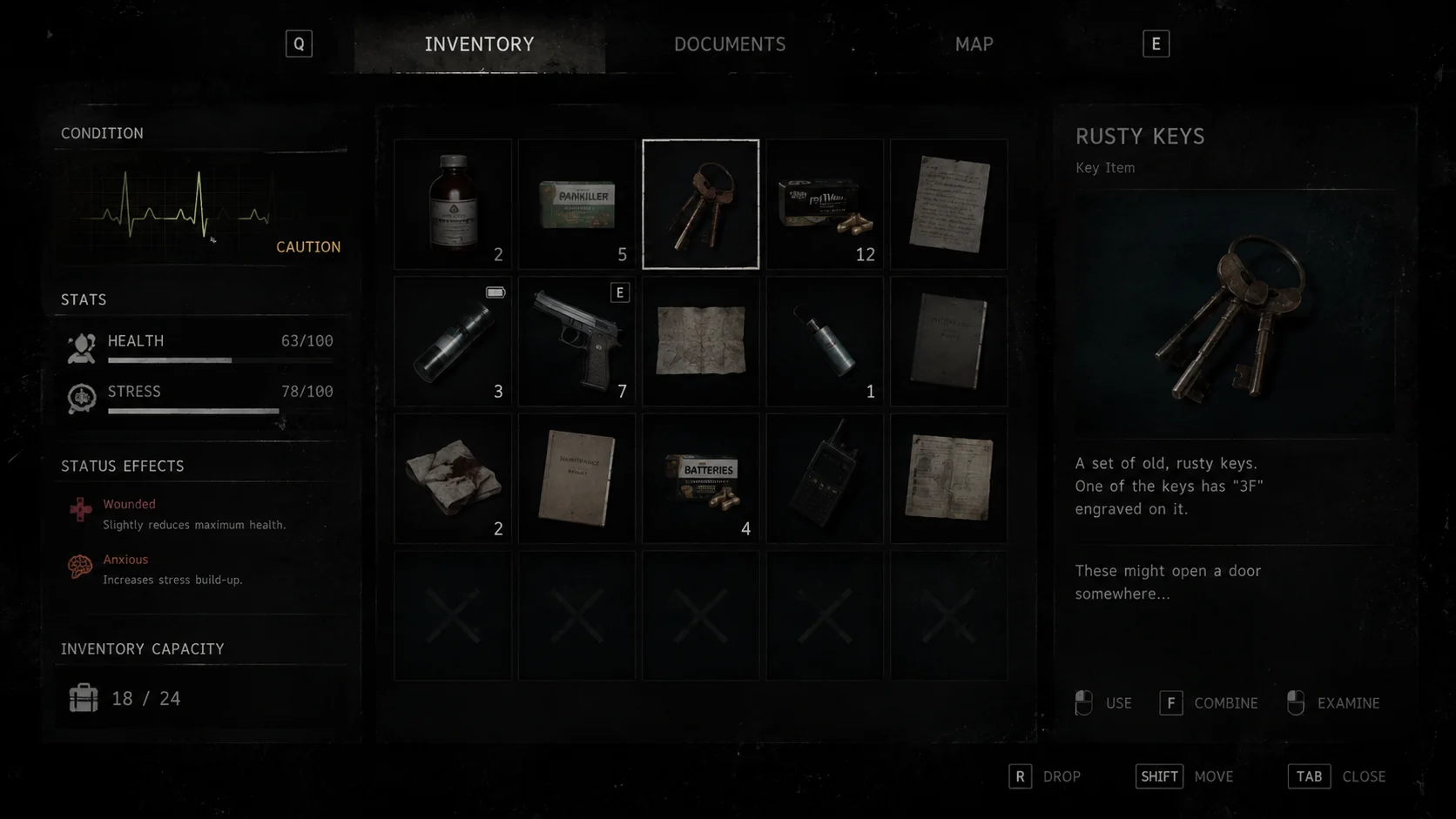
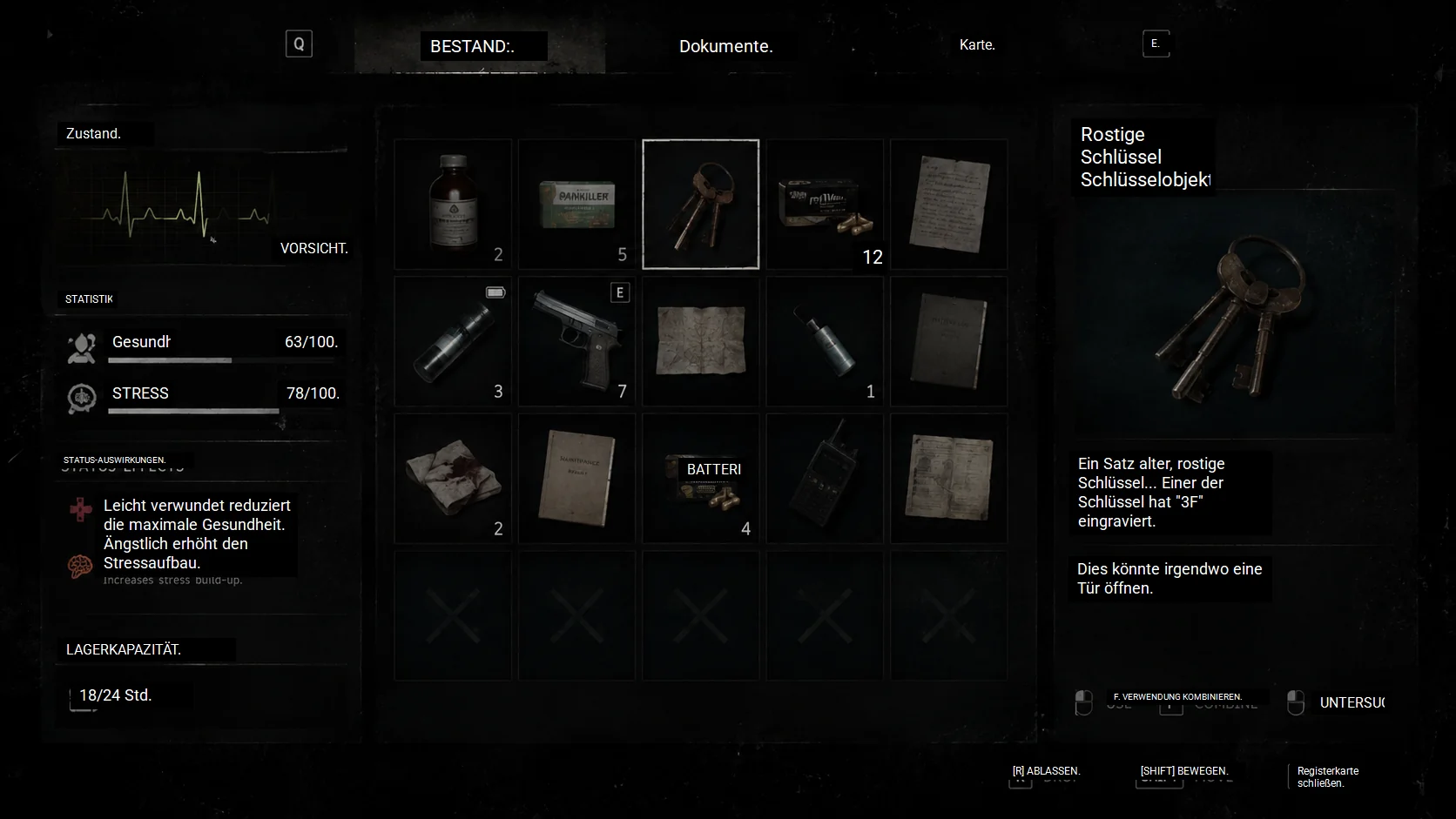
No pausing, no alt-tabbing. Thaluna translates game dialogue instantly as it appears on screen. Perfect for anime, visual novels, and games where dialogue appears on screen.
Automatically detects text bubbles and vertical layouts. Enjoy your favorite manga with clean, overlaid translations.
Full overview of real-time translation features and customization options.
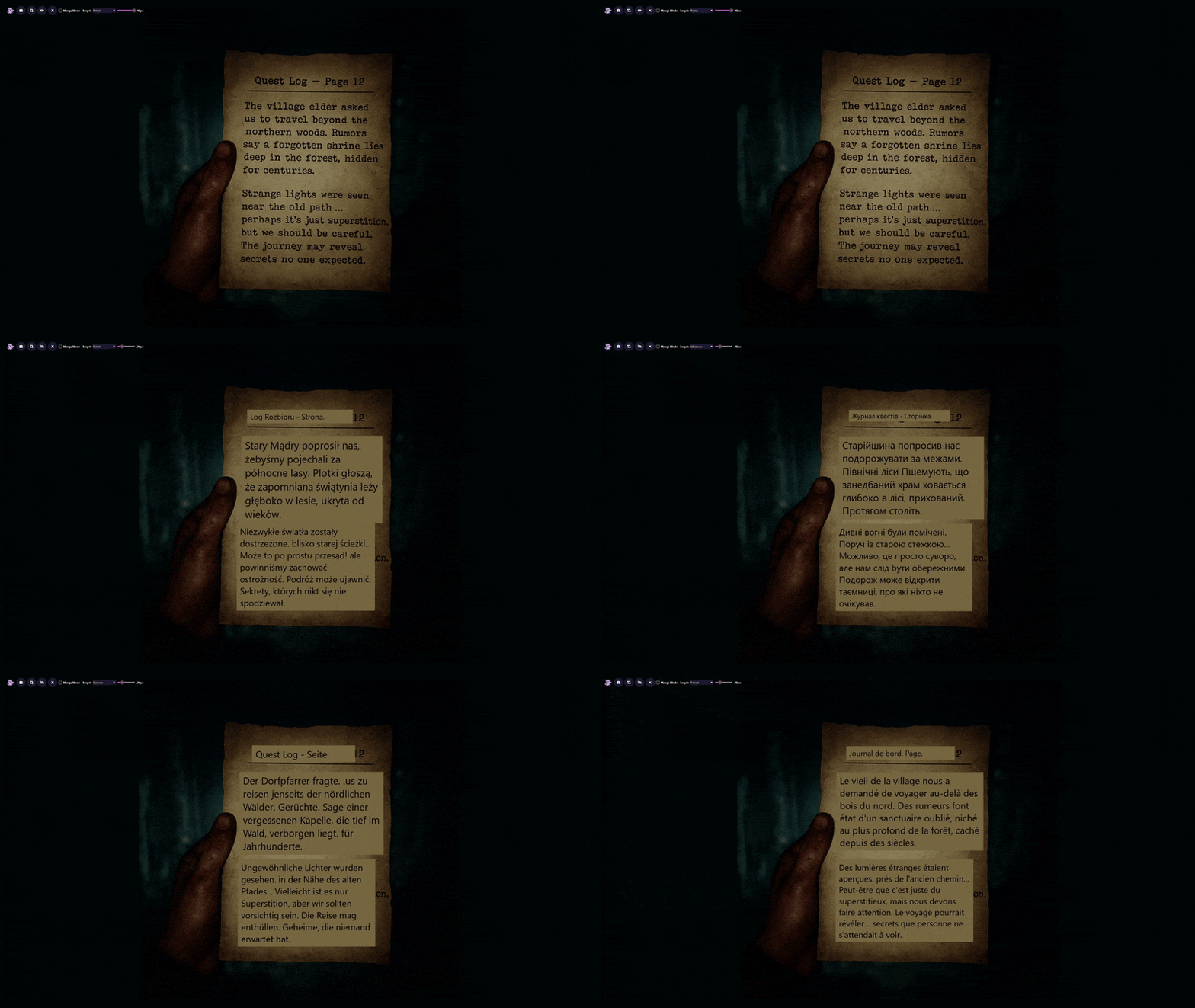
See the core translation features in action with static overlay.
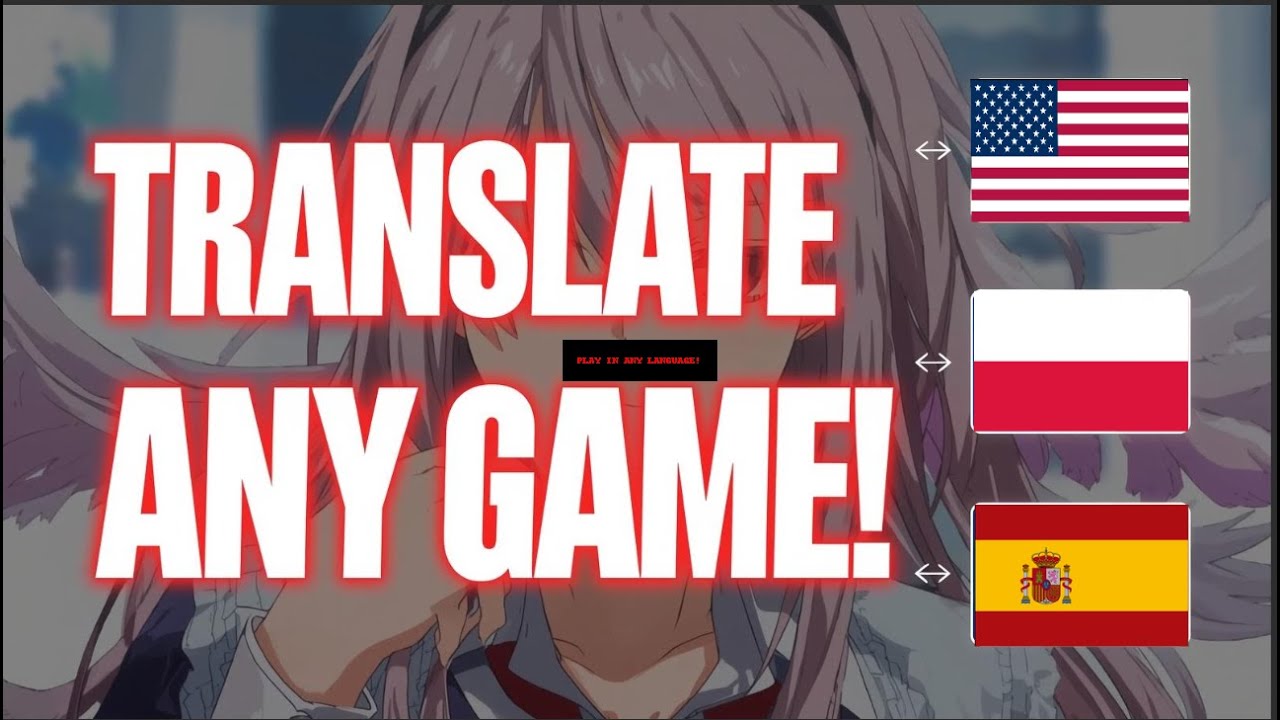
See the translation speed and versatility in animation.
Works offline by default. Perfect for privacy and travel. No data leaves your device unless you enable optional cloud translation.
Translate anime and games instantly without pausing. Designed for seamless immersion.
Use live system audio transcription through OpenRouter Speech-to-Text when OCR is unreliable or subtitles are unavailable.
Optimized for visual novels, manga, anime subtitles, and complex game text, with optional real-time OCR auto-crop for subtitle-heavy scenes.
Works effortlessly in windowed and borderless modes. Lightweight and non-intrusive.
Adjust fonts, colors, translation chains, and manage CPU/GPU performance settings.
Use built-in local models, Ollama, OpenAI-compatible local APIs, or optional OpenRouter cloud translation when needed.
Ollama setup guideLens Mode lets you read translated text directly on top of the original, keeping the page, scene, or document exactly as it looks. Manual snapshots stay available, and Continuous Lens can monitor a selected area and refresh overlays automatically when the content changes.
Thaluna is not just a generic translator tab. It is a Windows screen and audio translator built for games, visual novels, manga, anime subtitles, voice-acted videos, and other OCR-heavy or speech-heavy workflows.
Game OCR
Real-time OCR capture area, translation window, Lens Mode, presets, GPU OCR controls, and local or cloud translation backends.
Read guideVN workflow
Backlog history, transcript saving, presets, Minimal Mode, and OCR workflows for games where hooking is not enough or not available.
Read guideManga OCR
Lens Mode, Manga Mode, vertical Japanese support, and selected-area scanning for cleaner page reading.
Read guideScreen overlay
Understand how Thaluna handles games, apps, videos, and on-screen text with real-time, manual Lens, and Continuous Lens workflows.
Read guideIf you are comparing OCR, audio, and screen translation tools, the useful question is whether the app covers your full workflow: offline use, real-time OCR, Audio Translation BETA, snapshot capture, backlog, transcript saving, local models, cloud options, shortcuts, presets, and hardware controls.
Comparison
Use a practical checklist to compare Thaluna with OCR, screen translation, audio translation, Lens, and local/cloud model workflows.
See comparisonPositioning
See where Thaluna is strongest: offline-first OCR, Audio Translation BETA, Lens Mode, backlog, transcript saving, local models, and long-session comfort.
Read pageFeature map
See the actual product surface: real-time OCR, Audio Translation BETA, OCR auto-crop, Lens controls, presets, transcripts, shortcuts, and translation stack.
Explore featuresThaluna is stronger when you want the whole workflow in one place: offline-first OCR, Audio Translation BETA, real-time OCR auto-crop, Lens Mode, manga support, backlog history, transcript saving, presets, shortcuts, local models, optional Ollama, Custom Local API, and optional OpenRouter.
Why Thaluna
No mandatory cloud account, no mandatory subscription, and no mandatory extra setup just to start translating.
Read full pageWhy Thaluna
Backlog history, transcript saving, presets, Minimal Mode, Lens Mode, and Manga Mode turn it into more than a simple OCR utility.
Read full pageWhy Thaluna
Use built-in local models, Ollama, Custom Local API, OpenRouter translation, or OpenRouter Speech-to-Text depending on your workflow.
Read full pageTranslate FROM English, Japanese, Chinese, and Korean INTO:
* All languages available in both Demo and Full version.
Test all features before you buy.
One-time purchase. Lifetime updates.
The most useful support answers are now on the site instead of being buried only on the forum. Start here before posting.
Support hub
Start with the main troubleshooting hub covering startup issues, Local API setup, OpenRouter setup, scaling, GPU compatibility, and diagnostics.
Open help hubCloud setup
Set up your API key, choose a model, and troubleshoot cloud mode when authentication fails.
Read guideLocal API
Connect llama.cpp, LM Studio, or another local OpenAI-compatible server to Thaluna 3.1 Preview.
Read guideWindows scaling
Understand why capture paths behave differently at 125% or 150% scaling and what changed with the new experimental DPI fix.
Read guideDiagnostics
Use the console build for crash reports, OCR issues, and startup failures, then attach the full output.
Read guideStill need help? Visit the Community Forum.