
01 · ANDROID GAME LENS
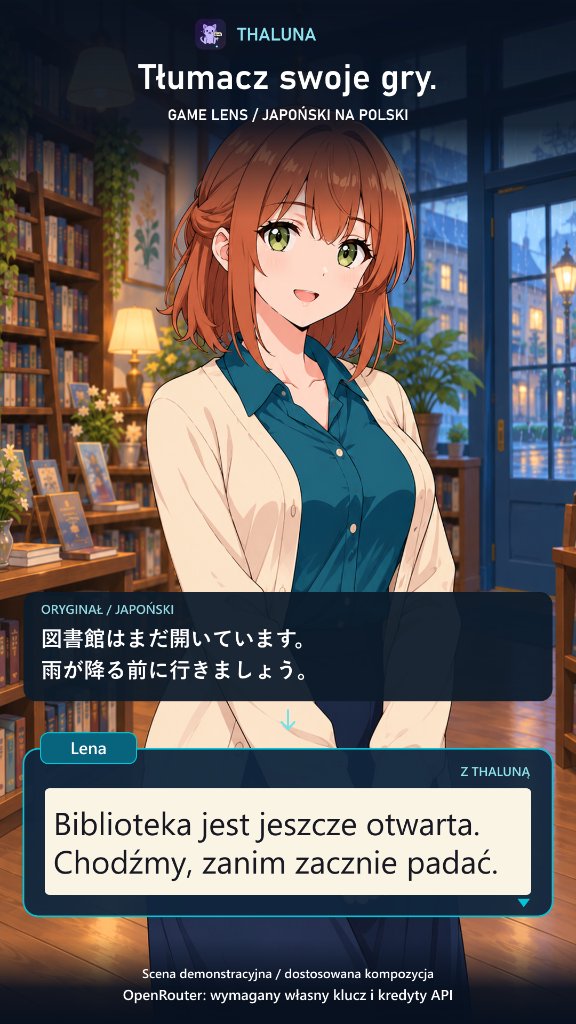
Dialogue translated in place.
Replaces the original Japanese or foreign dialogue box directly on your phone screen so you stay immersed in the story.
Translate visible text on your phone. Game Lens places the result directly over detected text; Nearby Lens puts it beside the original so both languages stay visible. Start free with Basic Offline (no API key needed) or connect optional OpenRouter.
Click directly on any phone screen below to enlarge the preview in place.
Replaces the original Japanese or foreign dialogue box directly on your phone screen so you stay immersed in the story.
Reads speech bubbles on your phone screen and places translated text directly inside the panels without switching apps.
Want to see both languages at once? Nearby Lens places a clean translation card right next to the original dialogue box.
Free access includes 30 successful translation batches per day—and a single batch can translate several text boxes on screen at once.
Optional one-time in-app purchase removes Thaluna’s 30/day limit for both Basic Offline and OpenRouter.
Download your language packs inside the app, then translate directly on-device. This real v28 / 0.6.7 screen on a Samsung Galaxy A54 shows an English-to-Polish typed-text example using Basic Offline.
Thaluna needs permission to display overlays and your approval to capture the selected screen content. Single-app sharing, when offered by Android, helps exclude Thaluna overlays. Whole-screen capture or older devices may show capture-related flicker. Protected content may not be capturable.
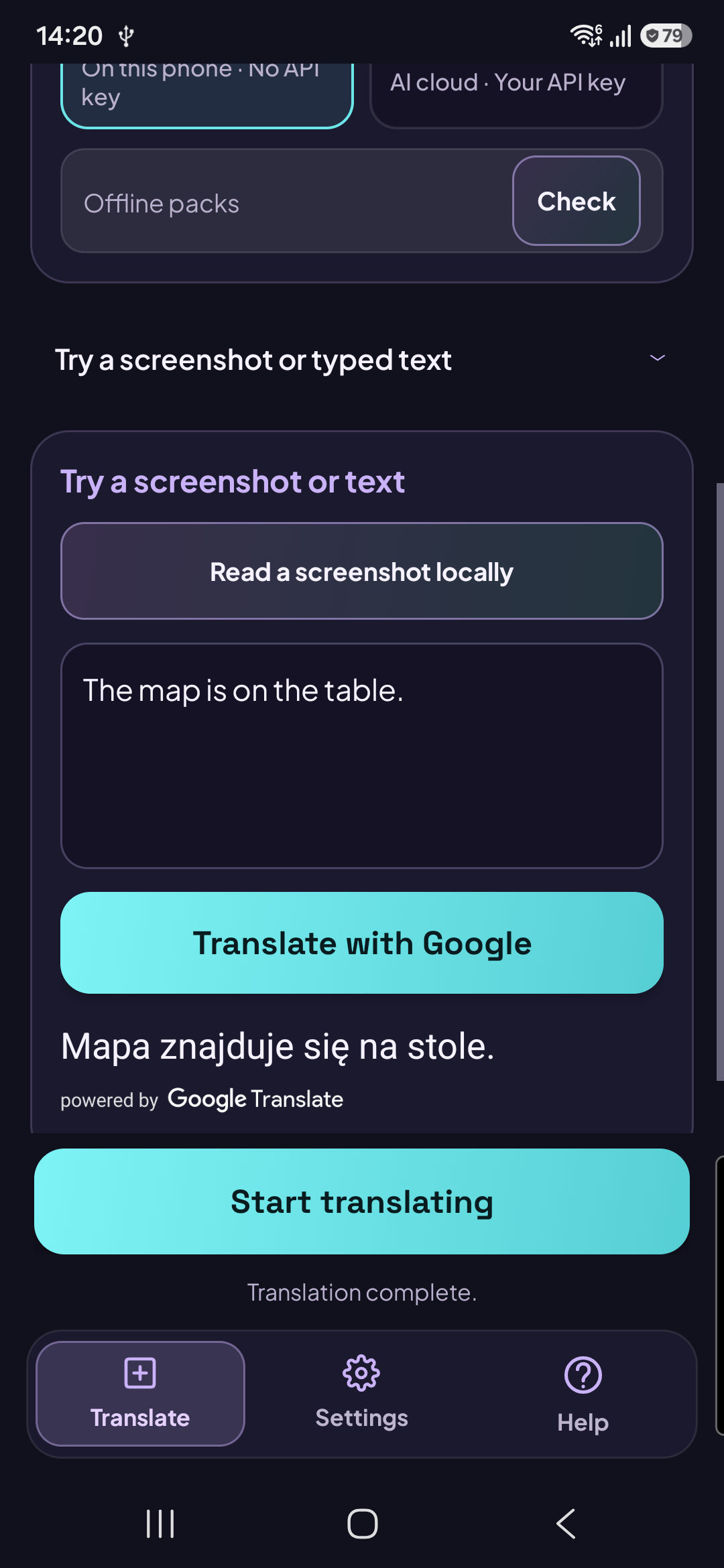
Basic Offline result on Galaxy A54 (Click image to enlarge in place).