In-place translated overlay boxes
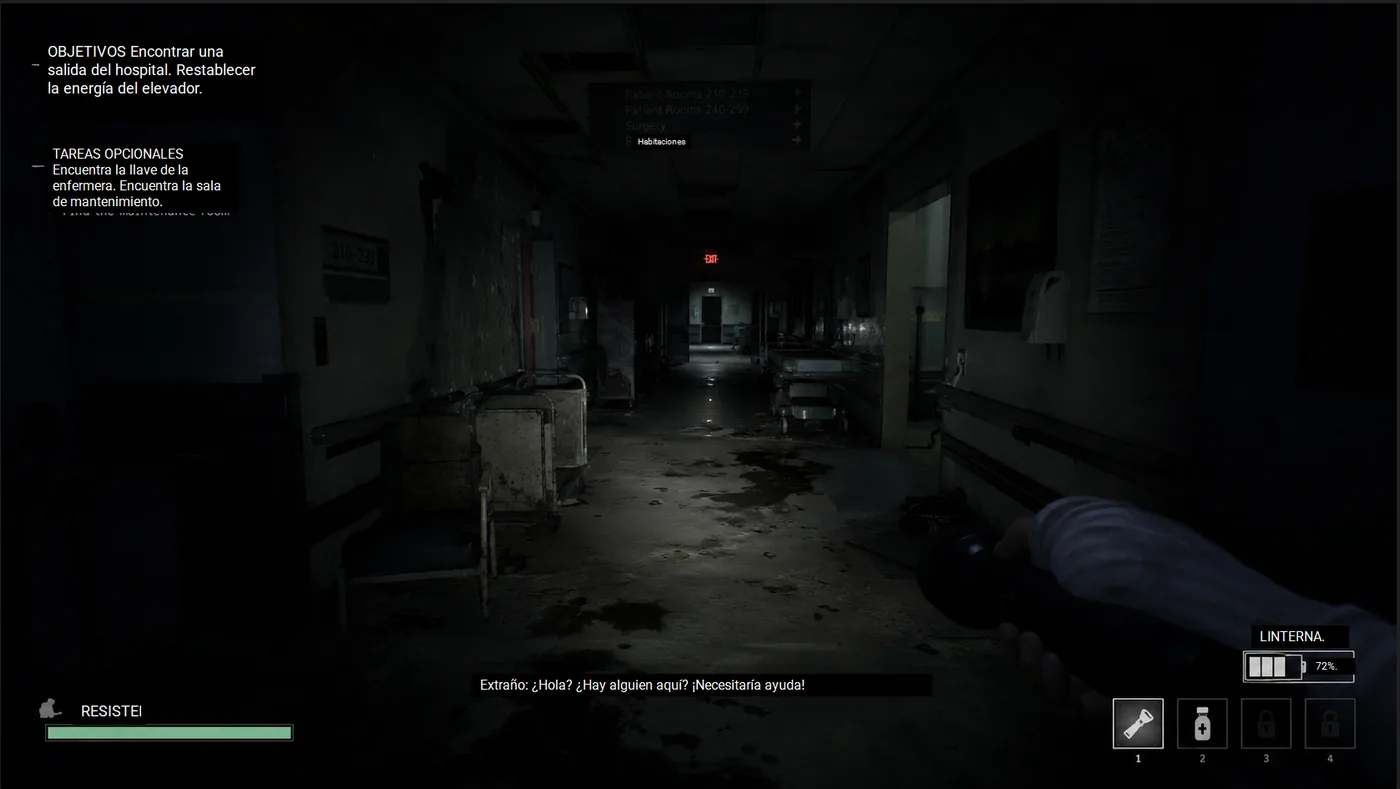
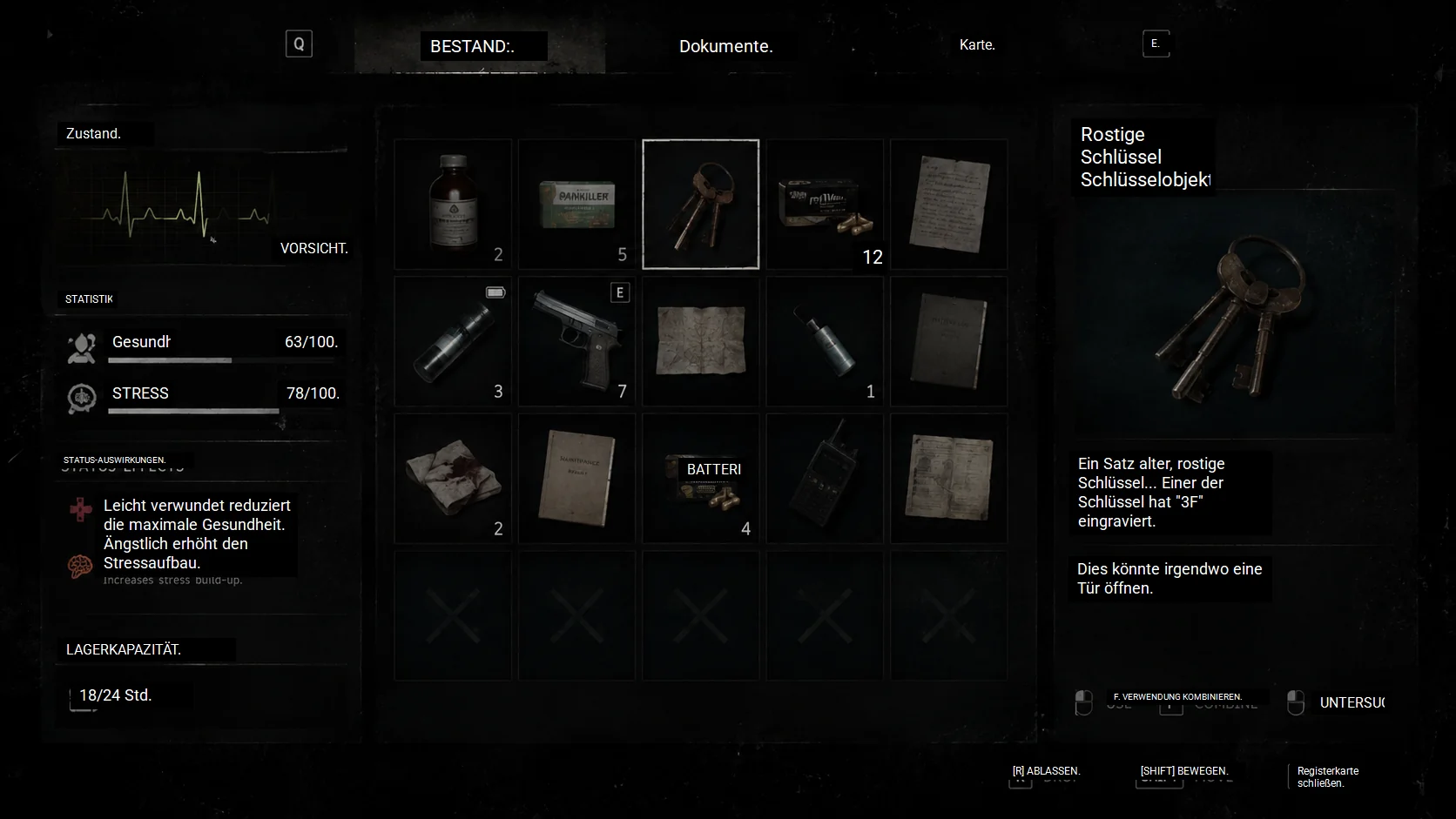
Game Lens can render translated text directly over the original game text instead of forcing you to read a detached translation window. This keeps the game UI, item panels, signs, and subtitles in context.
Automatic OCR game overlay
Thaluna Game Lens is a Windows OCR game translator mode that watches a selected gameplay region and places translated text over the original game UI. Use it for dialogue boxes, subtitles, item descriptions, quest panels, menus, tutorials, signs, and other on-screen game text without alt-tabbing.
Real Game Lens demo
See Thaluna Game Lens translate visible game UI, dialogue, and visual novel text directly on screen in short demo clips.
Demo footage is used only to demonstrate Thaluna's OCR overlay workflow. All game titles and footage belong to their respective owners. Thaluna is not affiliated with or endorsed by the publishers shown.
Watch on YouTubeThese auto-playing comparisons switch between the original screen and the translated Thaluna overlay. Click any image to open a larger preview.
Some showcase scenes are fictional UI examples created to demonstrate Thaluna's OCR overlay workflow.
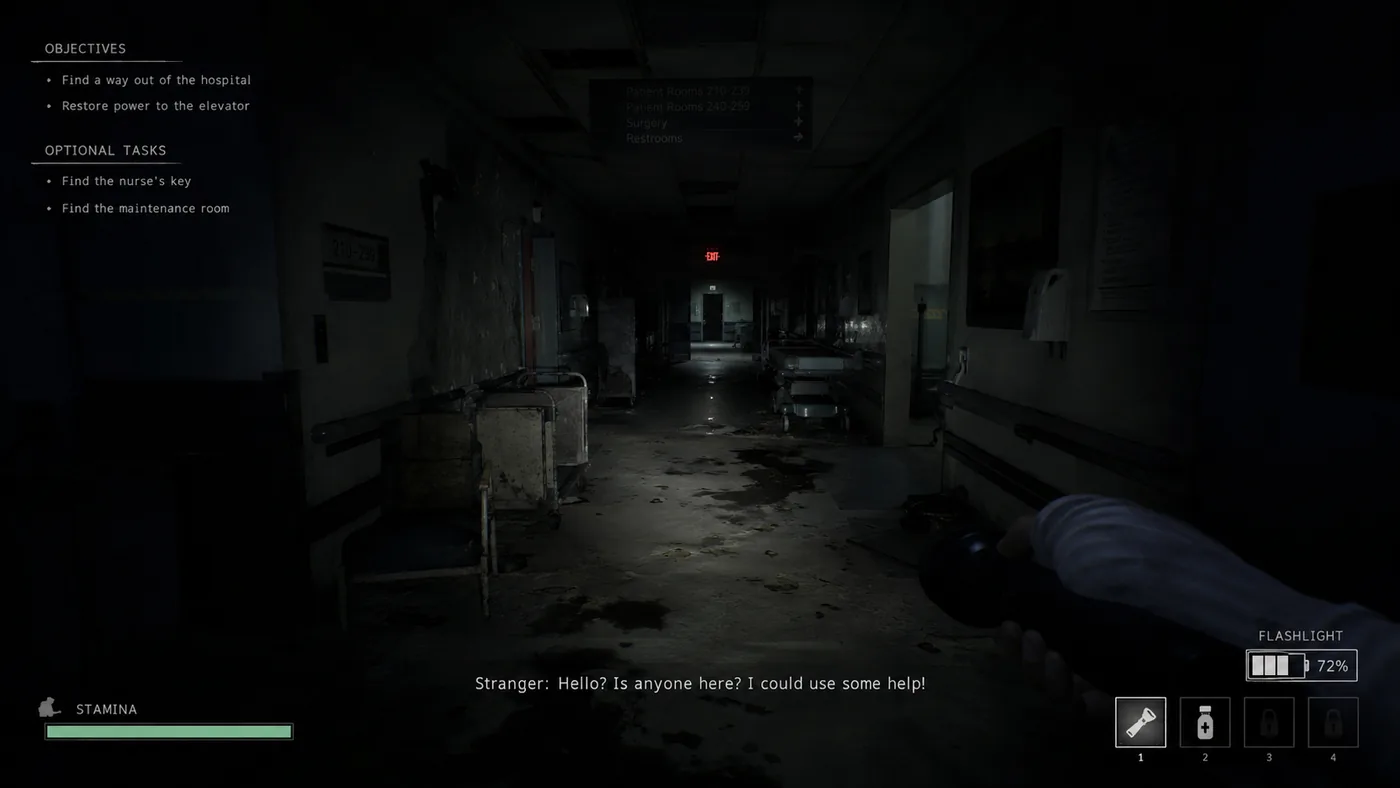
 Original
Translated
Original
Translated
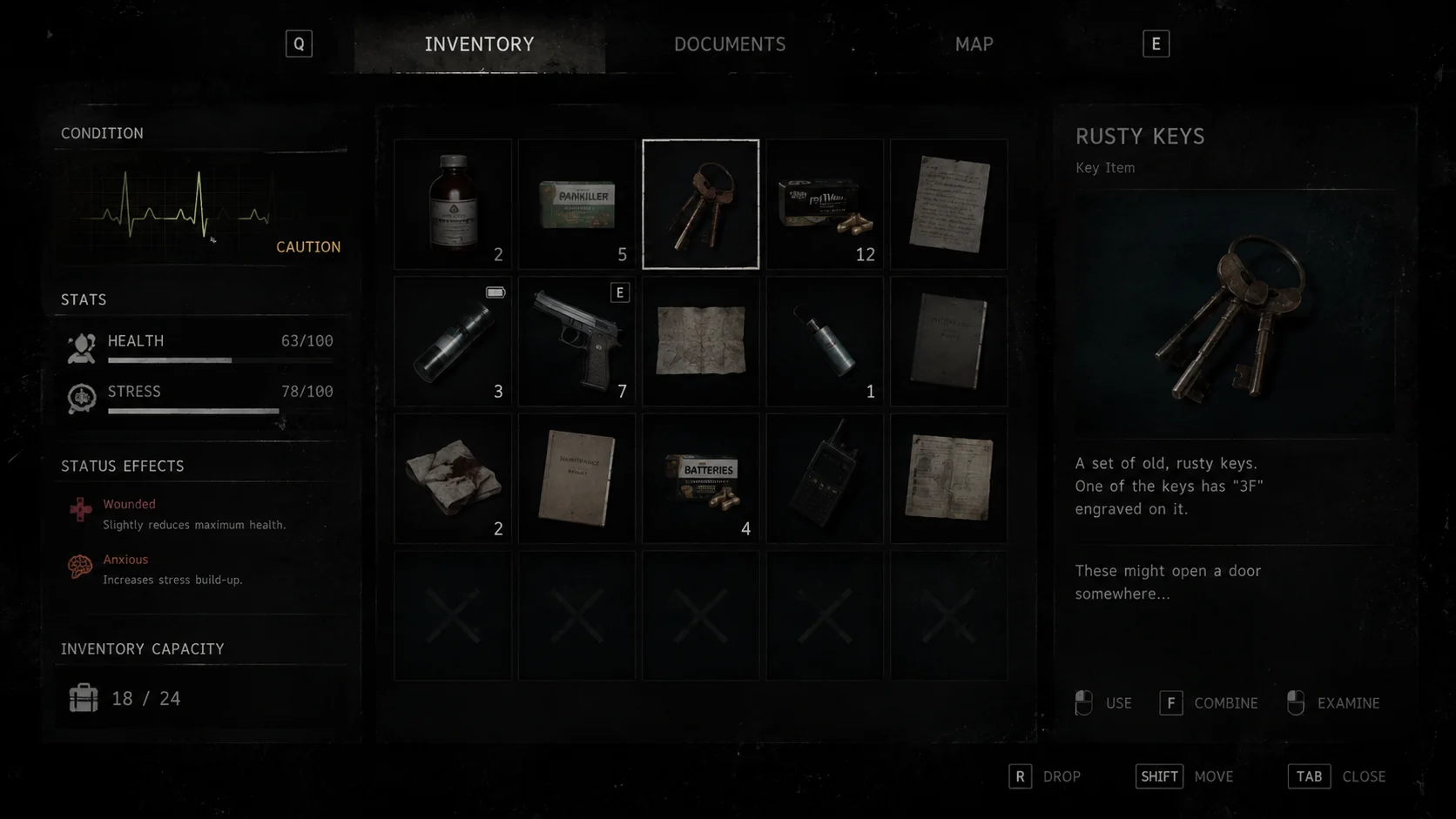
 Original
Translated
Original
Translated
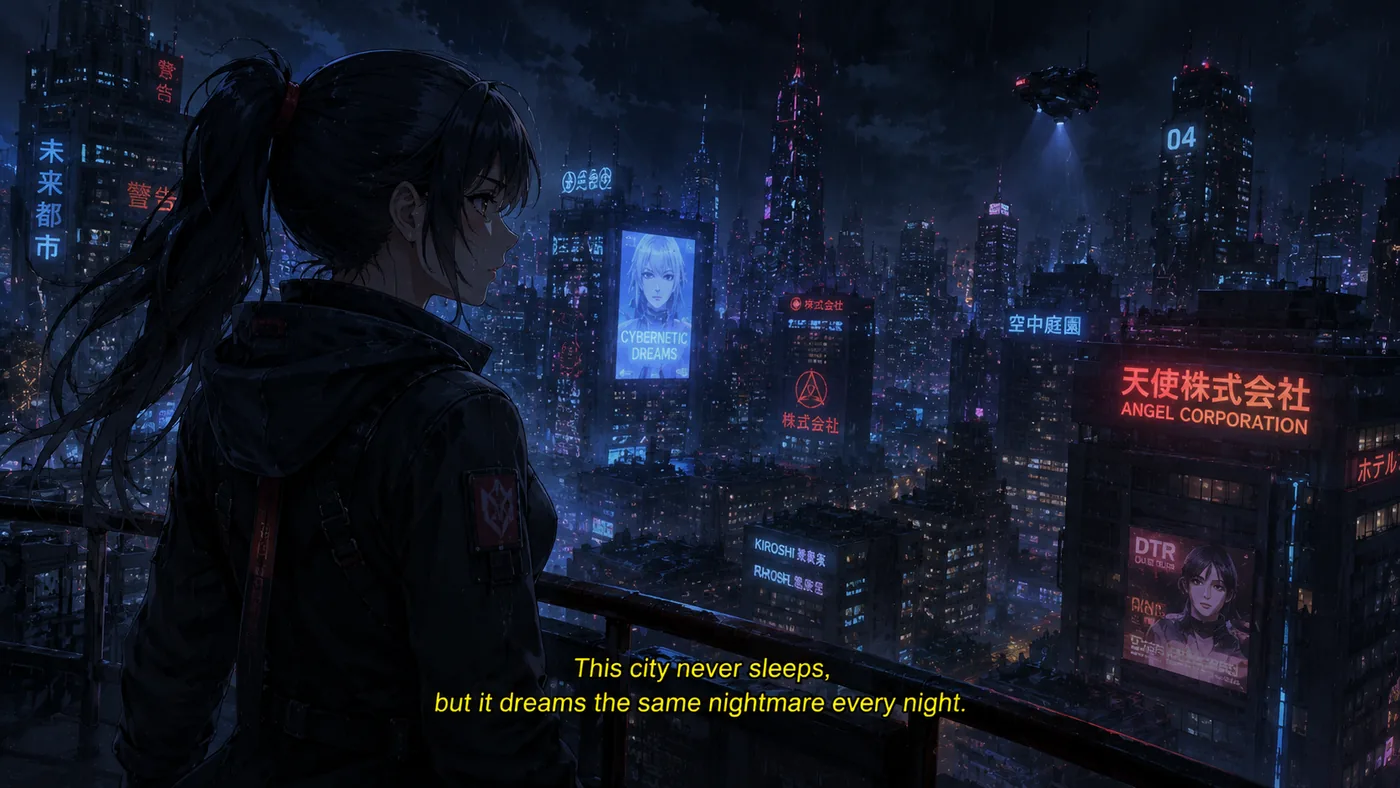
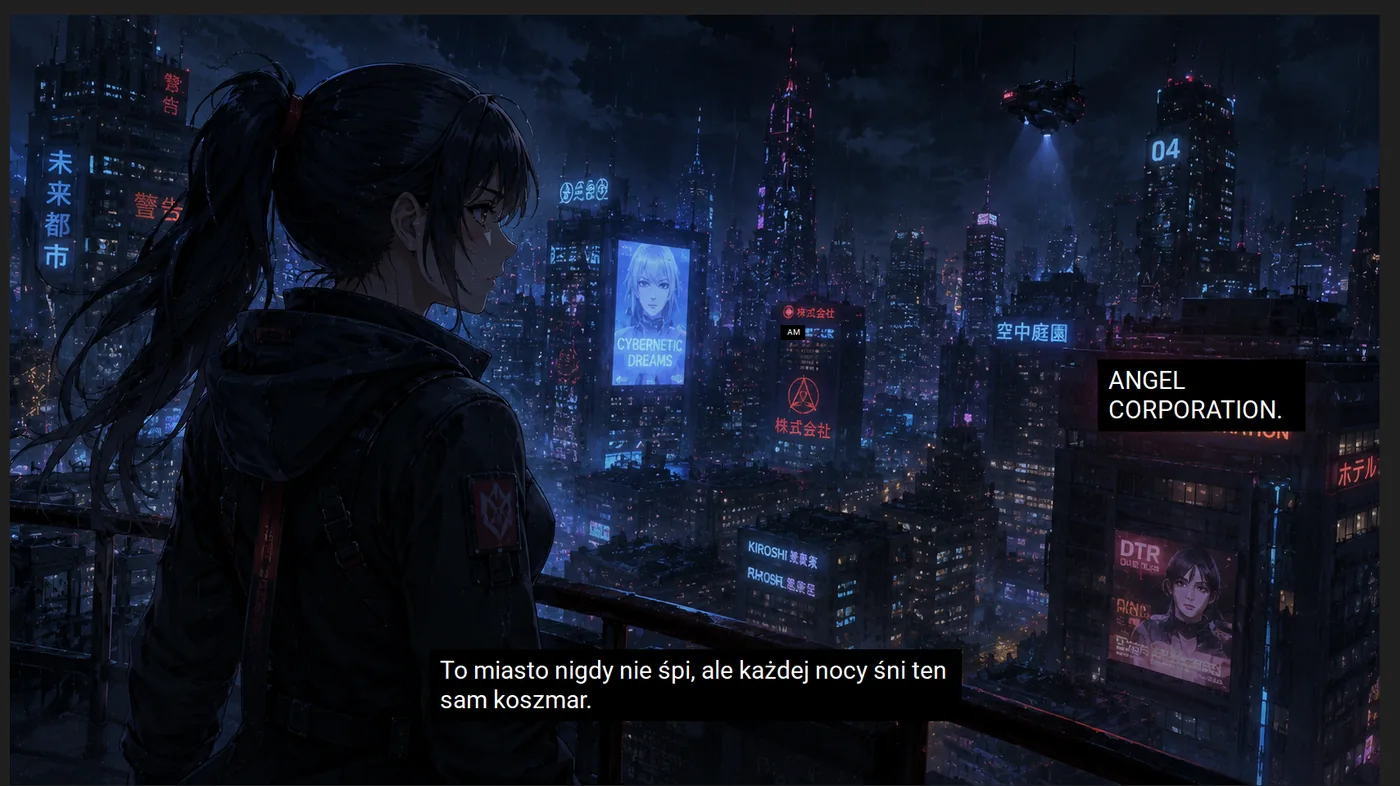 Original
Translated
Original
Translated
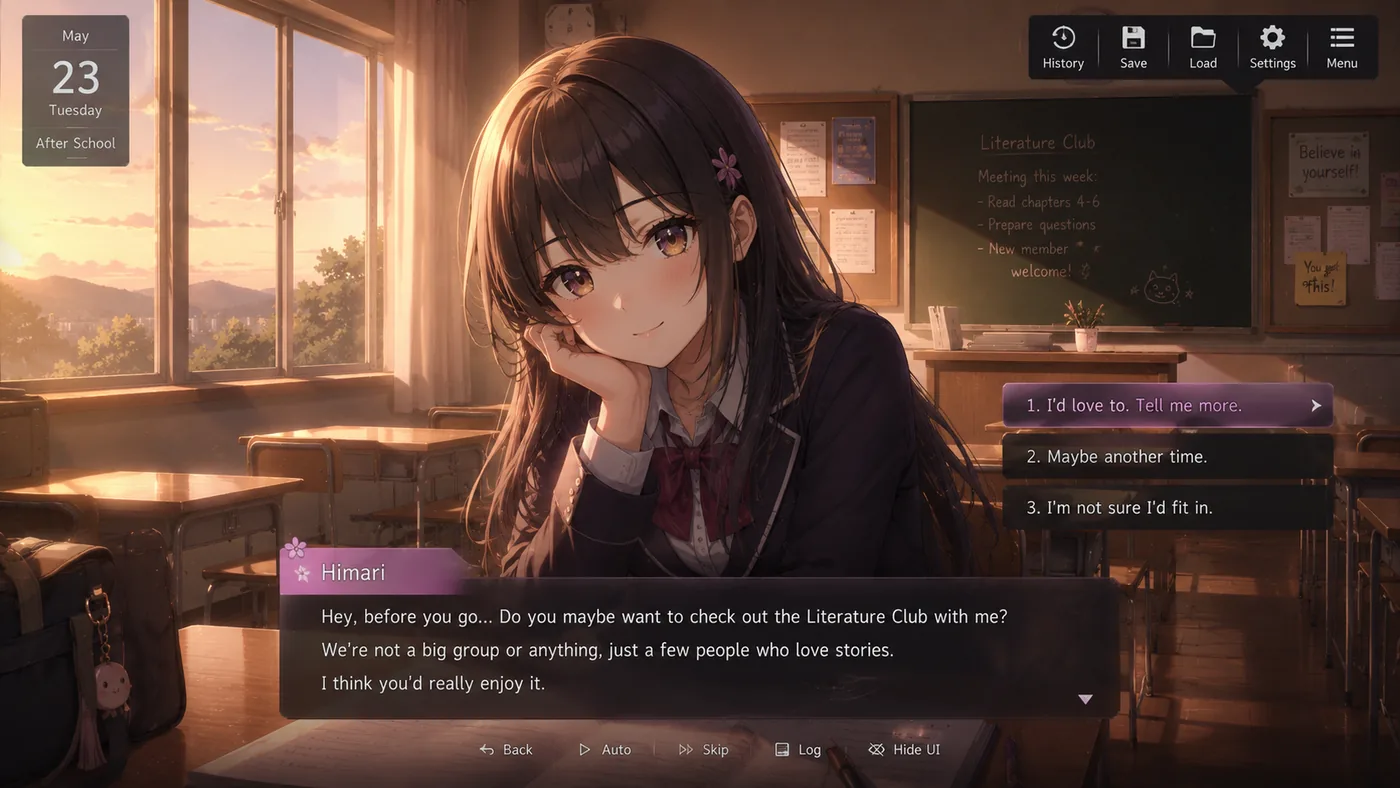
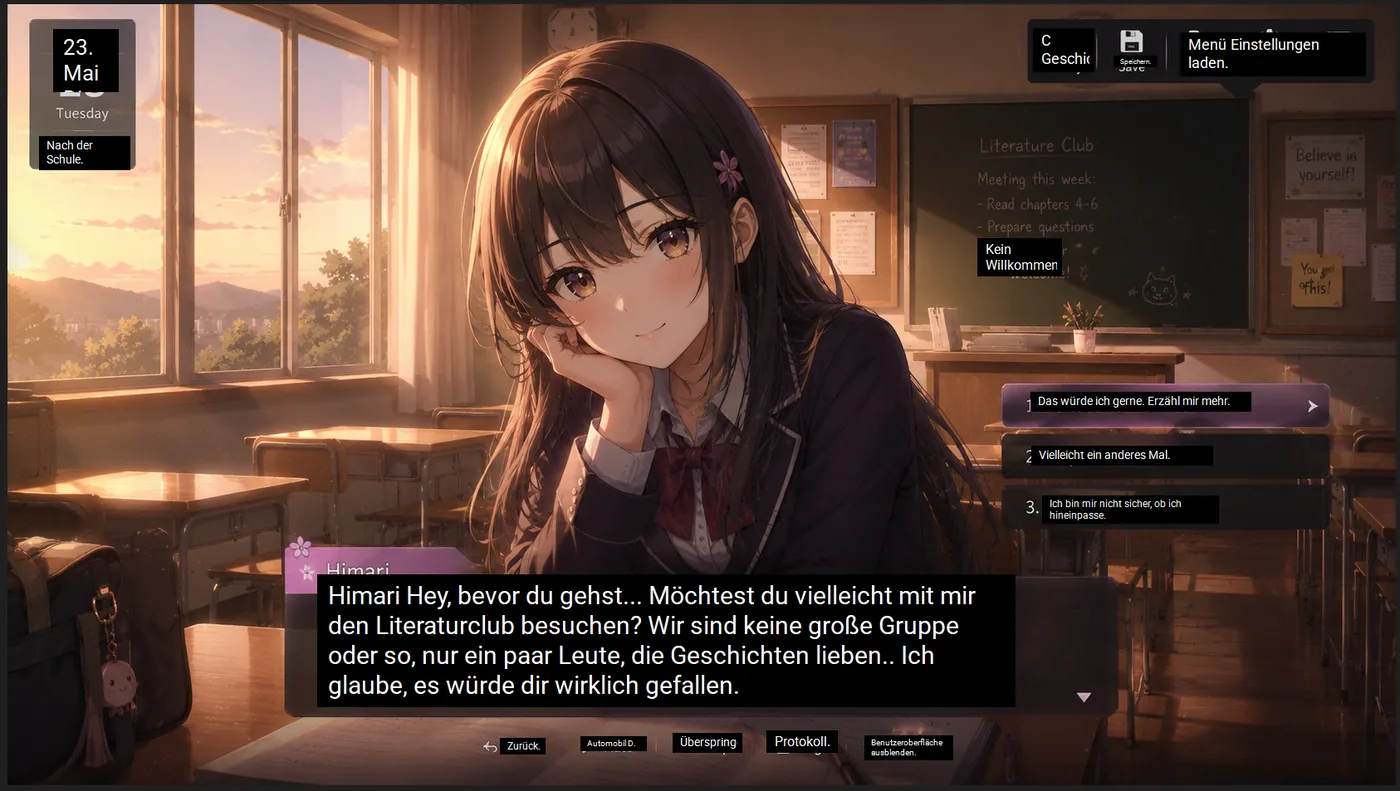 Original
Translated
Original
Translated
Most OCR translators either show text in a separate window or translate too early while the game is still animating dialogue. Game Lens is built for the actual game flow: text appears, changes, stays visible, and disappears while the scene keeps moving.
Game Lens can render translated text directly over the original game text instead of forcing you to read a detached translation window. This keeps the game UI, item panels, signs, and subtitles in context.
Select one screen region and let Game Lens watch it. When dialogue, menus, subtitles, or item text changes, Thaluna refreshes the translated overlay automatically.
Some games reveal text from left to right. Game Lens waits briefly for the sentence to settle before OCR, reducing partial translations such as only the first one or two words.
If an item description, painting text, tutorial panel, or quest note stays visible, the translation can stay visible too. It clears when the source text disappears.
Use the configurable Lens visibility shortcut when you want an unobstructed game screen. Game Lens keeps OCR and translation running while overlays stay hidden, then shows the latest translated text when visibility is enabled again.
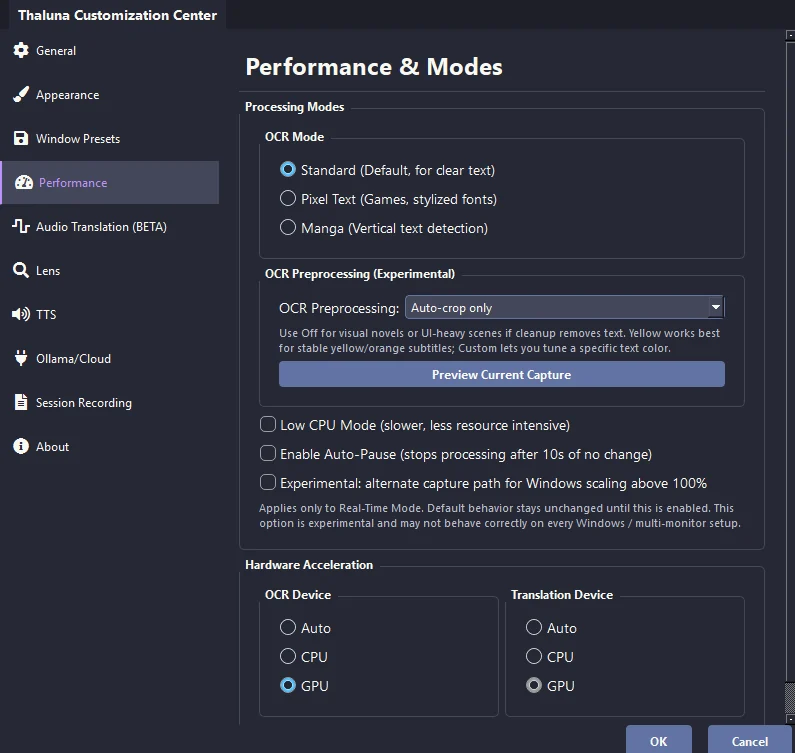
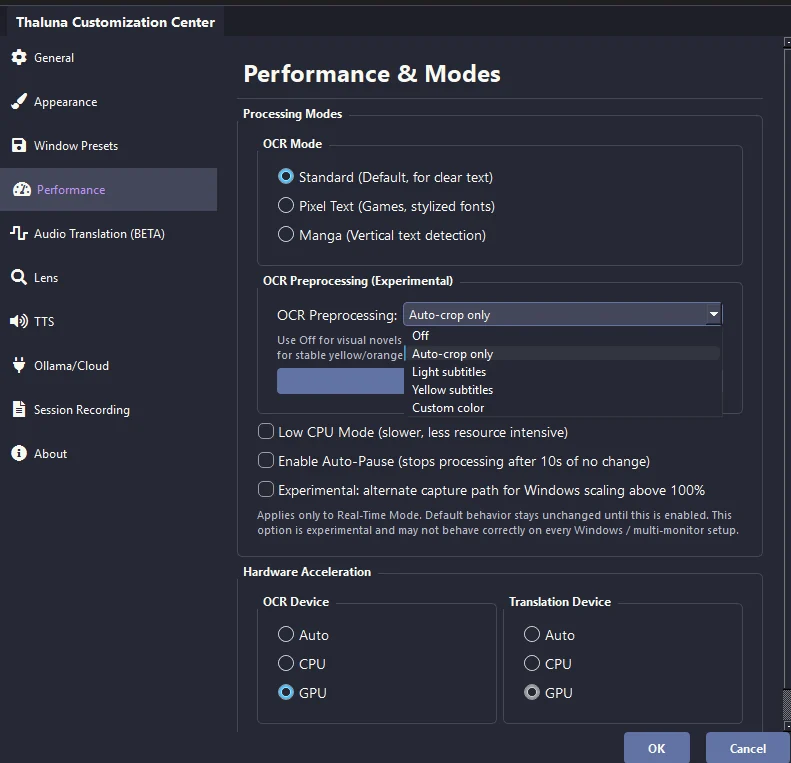
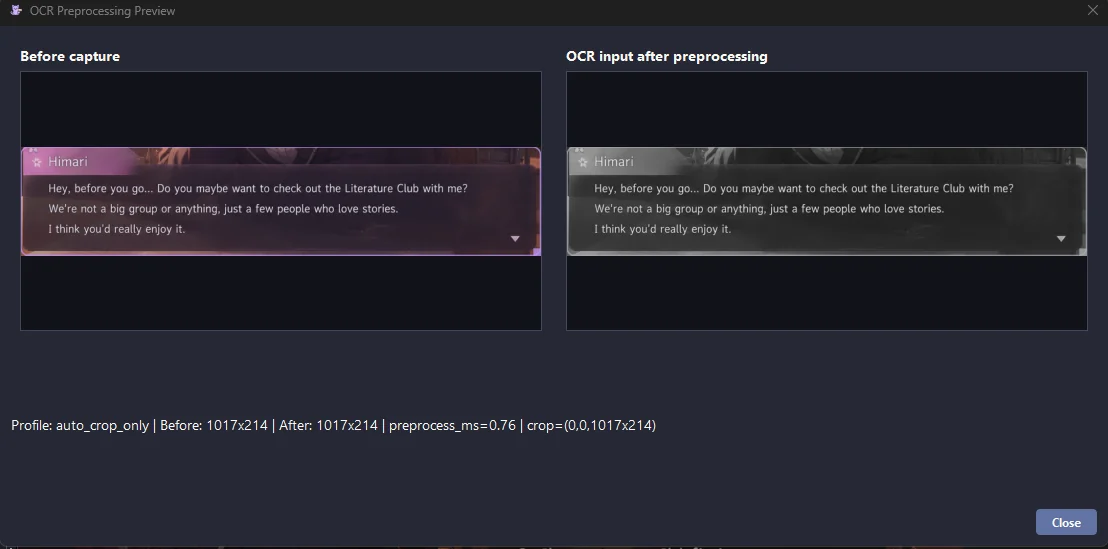
Game text is not always clean black text on a white background. Thaluna adds OCR preprocessing profiles so you can tune capture for subtitles, colored UI text, yellow subtitles, light text on dark backgrounds, and custom subtitle colors.
Keep the default behavior close to the original OCR workflow while automatically focusing on the useful text region.
Boost bright subtitle text and suppress darker backgrounds for anime, videos, and games with white or light UI text.
Use a subtitle-focused color profile for yellow or orange text, common in older anime subtitles and some game subtitle styles.
Create OCR presets for specific text colors, useful when a game uses a consistent subtitle color, UI color, or outline style.
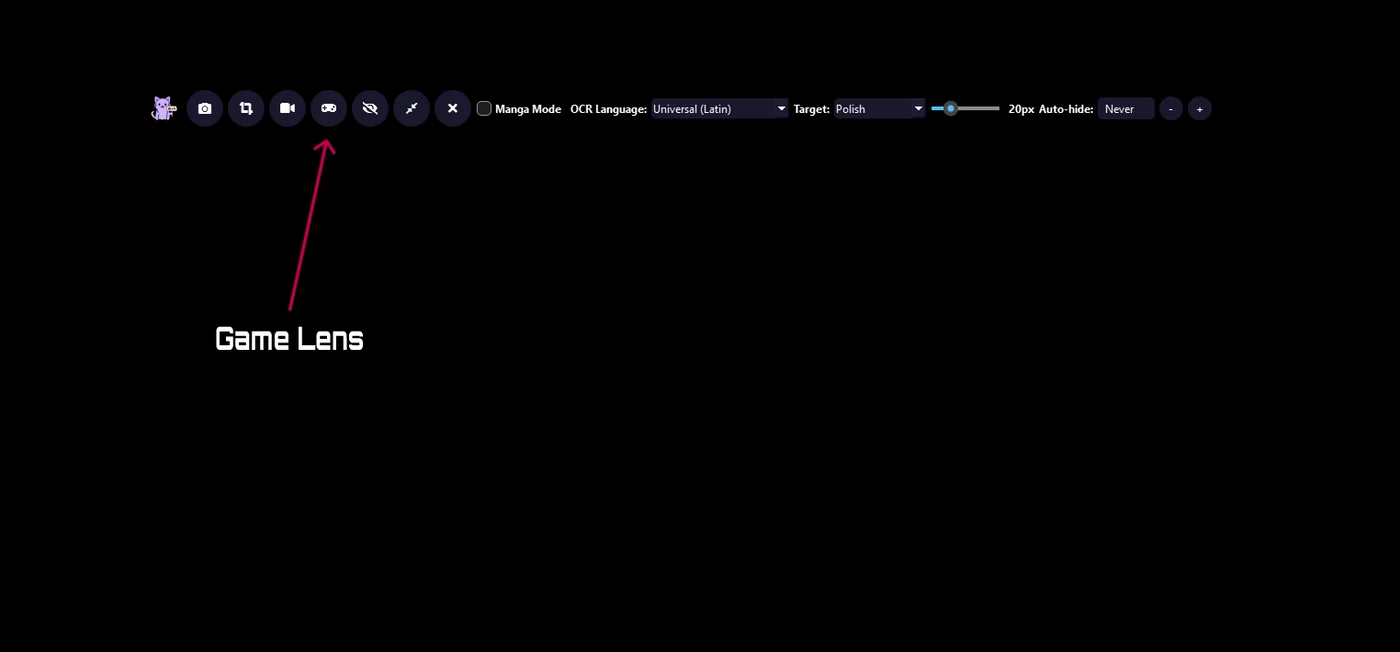
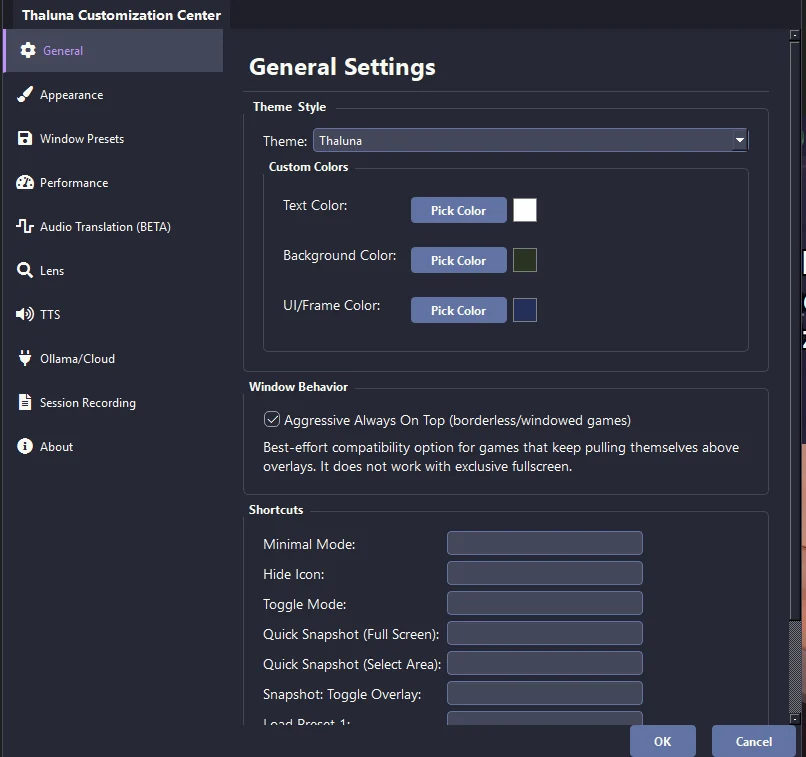
Thaluna 3.2 adds dedicated Game Lens access, OCR preprocessing presets, custom capture preview, and clearer always-on-top behavior so users can tune OCR before they start translating.
| Mode | Best for | How it behaves |
|---|---|---|
| Real-Time OCR | Fast dialogue and subtitles | Shows translation in the floating Thaluna translation window. |
| Manual Lens | Static screens, signs, pages, screenshots | Captures once and places translated overlays on top of detected text. |
| Continuous Lens | Manga, pages, static UI regions | Refreshes a selected Lens region when content changes, with optional auto-hide. |
| Game Lens | Games, anime subtitles, moving scenes, item descriptions | Automatically refreshes in-place translated boxes, waits for animated text, and can keep processing while translated overlays are temporarily hidden. |
Game Lens works best with visible text in a selected screen region: dialogue boxes, subtitles, item descriptions, menus, tutorials, notes, signs, and UI panels. Very tiny fonts, heavy blur, gradients, or animated effects may still need OCR preprocessing or a better capture region.
Yes. Real-Time OCR sends text to the floating translation window. Game Lens is for in-place overlays, so the translated text appears directly over the original game text in separate boxes.
Game Lens waits for animated text to settle before OCR. This helps with games that reveal dialogue from left to right instead of showing the full sentence instantly.
Use OCR preprocessing profiles such as Light subtitles, Yellow subtitles, or Custom color presets. They are designed for subtitle colors, dark backgrounds, and game UI text that normal OCR may miss.
Use the free demo to test OCR, preprocessing profiles, overlay behavior, languages, and performance on your setup before moving to the full workflow.