Backlog viewer
Open previous translated lines in a separate panel, similar to visual novel dialogue history.
VN reading workflow
Thaluna is a strong fit for visual novel reading when you want OCR that works across games, launchers, emulators, screenshots, and static scenes, plus the comfort features VN readers actually care about: backlog history, presets, minimal mode, transcript saving, OCR preprocessing profiles, and Game Lens for subtitle or typewriter-style game text.
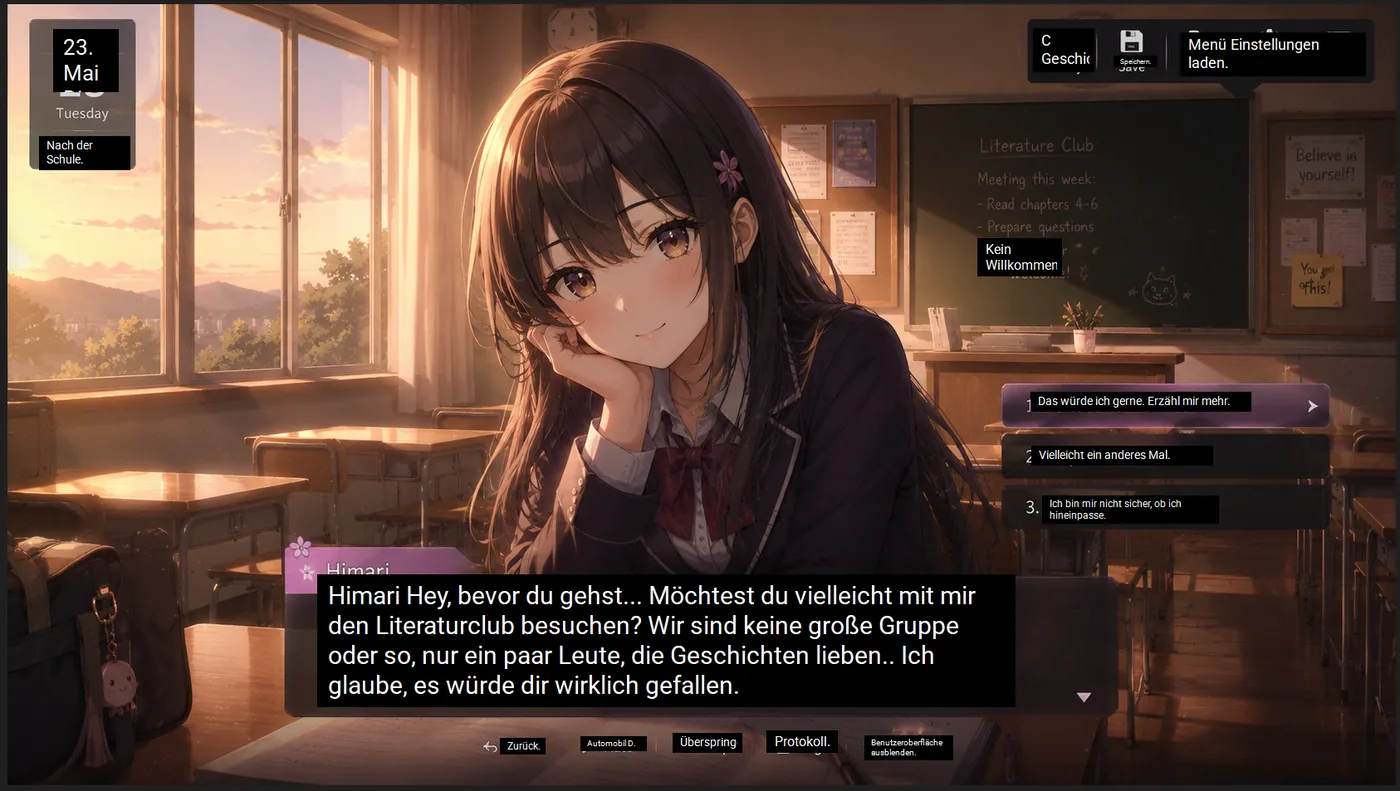
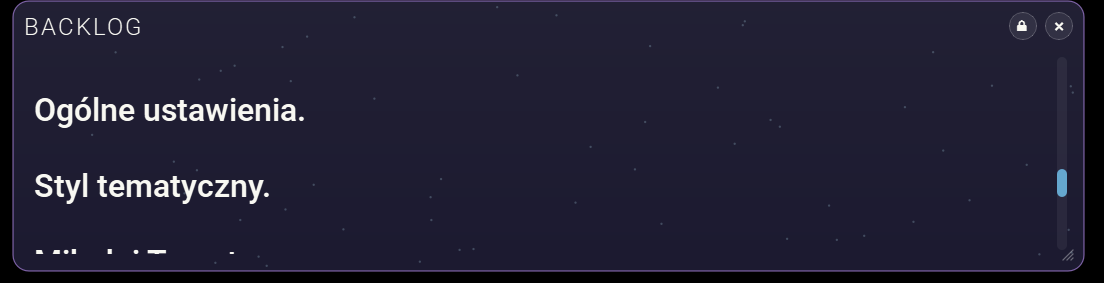
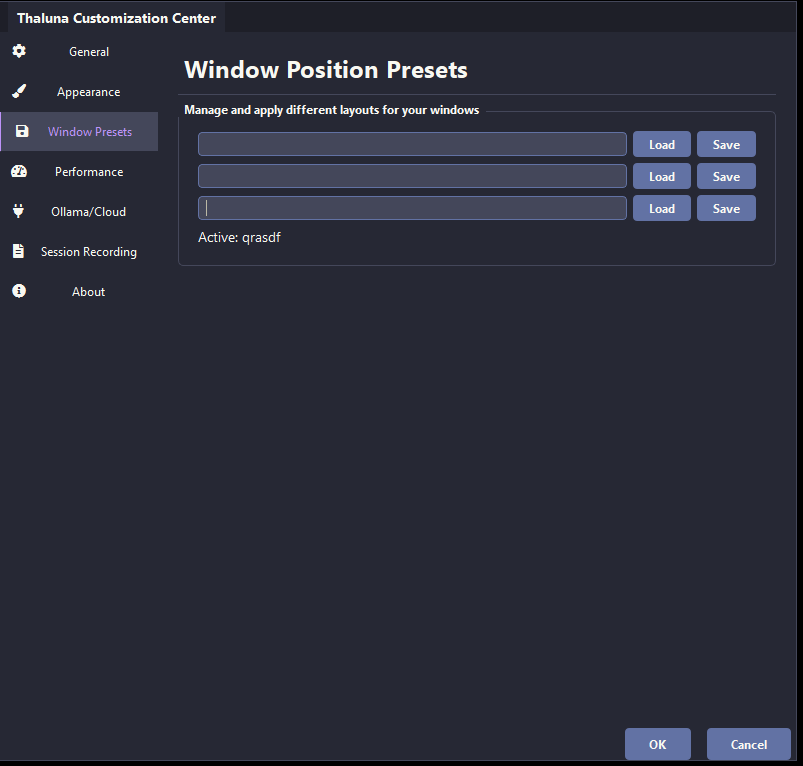
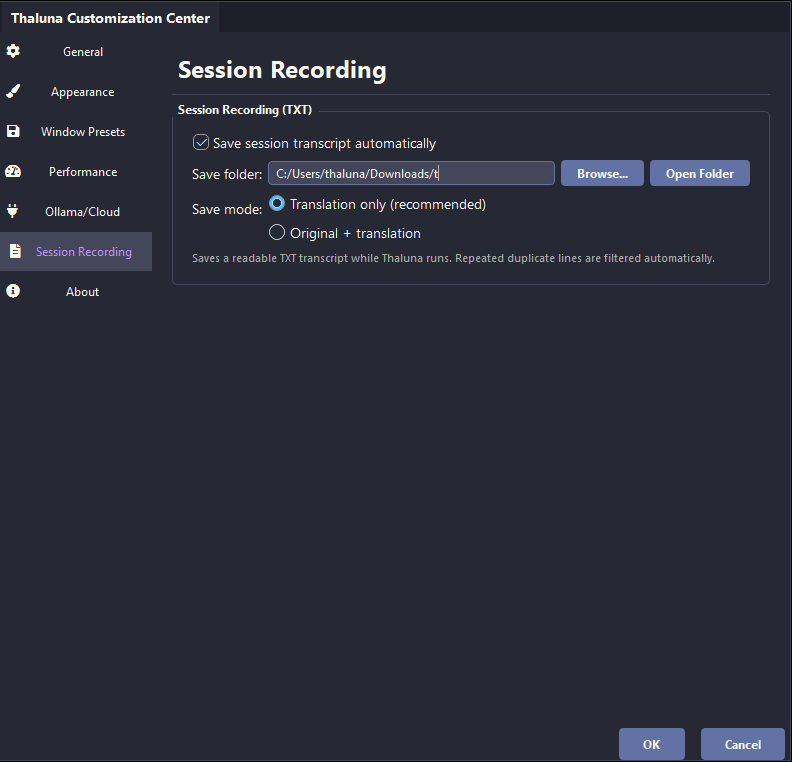
Visual novels are not only about OCR accuracy. Reading comfort matters. Thaluna adds backlog history, presets, minimal mode, and transcript saving so you can keep a VN-style reading rhythm instead of fighting the tool.
Open previous translated lines in a separate panel, similar to visual novel dialogue history.
Hide most of the interface and leave only the translated text visible on screen.
Save your OCR capture area and translation window positions for different games, launchers, or emulator setups.
Automatically save translated lines to TXT, with duplicate filtering for cleaner reading logs.
Use Game Lens when a VN or adventure game reveals text slowly, keeps item descriptions on screen, or needs translated boxes aligned directly over the source text.
Use Light subtitles, Yellow subtitles, or Custom color when the VN uses stylized text, colored subtitles, or a consistent UI text color.
Thaluna uses OCR, so it can still work when a VN engine, emulator, or video player does not expose text cleanly.
Manual Lens is useful when you want translated text placed directly over the original image or menu, while Game Lens is better when text changes or appears gradually in place.
Switch between local models, Ollama, and OpenRouter depending on whether you want speed, privacy, or better nuance for harder lines.
Hook-based tools can be excellent when they work. Thaluna is stronger when you want an OCR-first workflow that still covers VNs, screenshots, emulators, videos, launcher UI, and other text that does not expose a stable hook.
Use the free demo to test OCR, overlay behavior, languages, and performance before moving to the full workflow.