Lens Mode overlay
Translate directly on top of the original page layout. This is much closer to actually reading than copy-paste OCR tools.
Manga OCR and overlay
Thaluna helps manga readers translate pages with Lens Mode overlays, Continuous Lens for manga and static selected areas, vertical Japanese support, OCR preprocessing profiles, and appearance controls that keep translated bubbles readable on complex artwork. Game Lens exists separately for games and subtitle-heavy moving scenes.

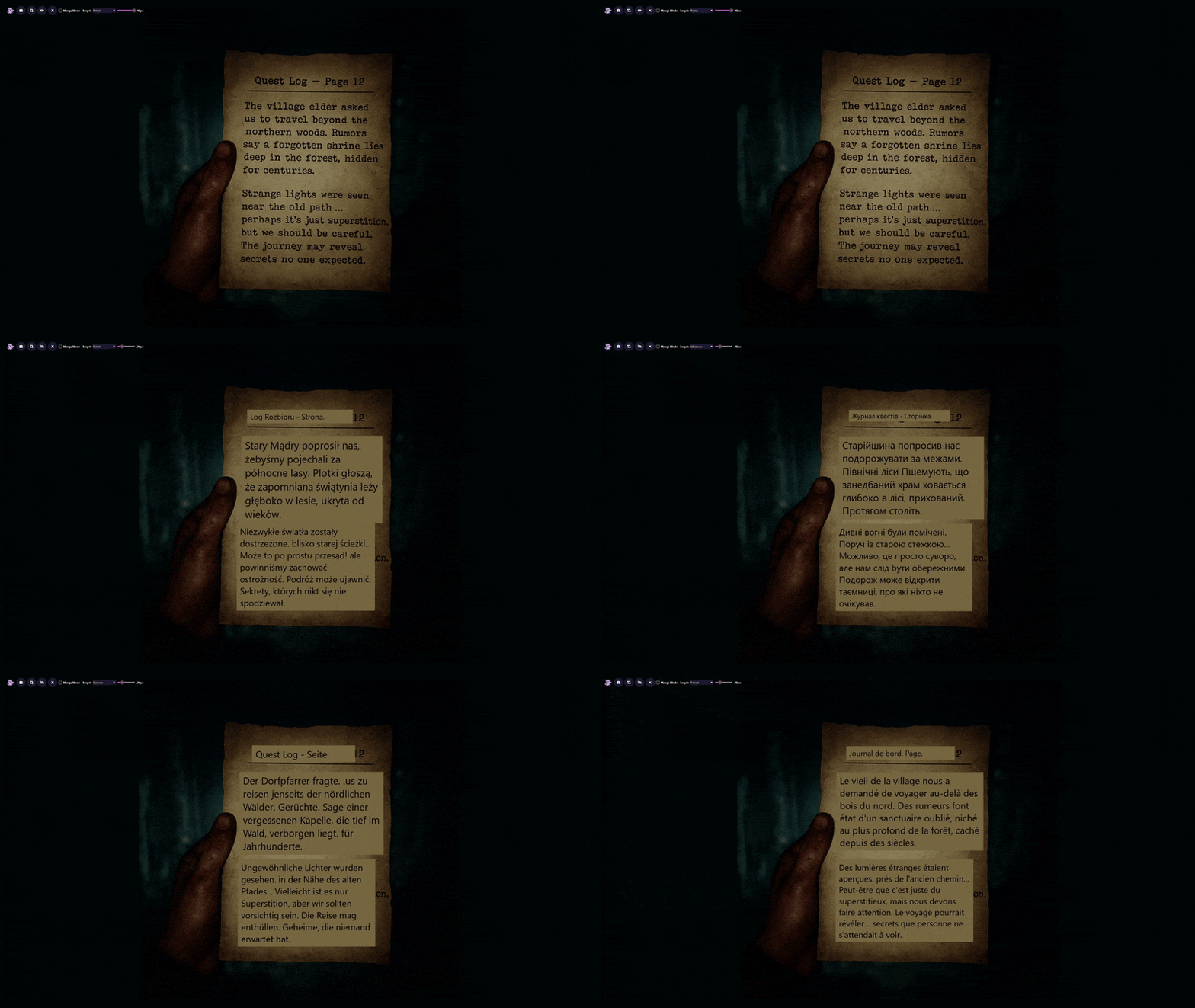
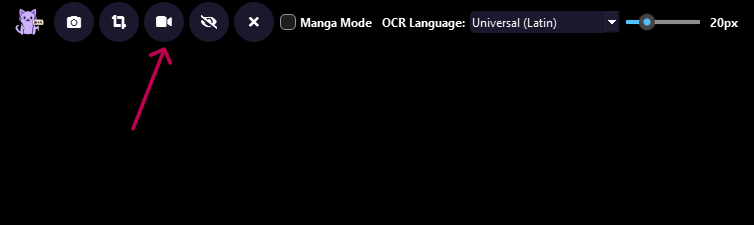
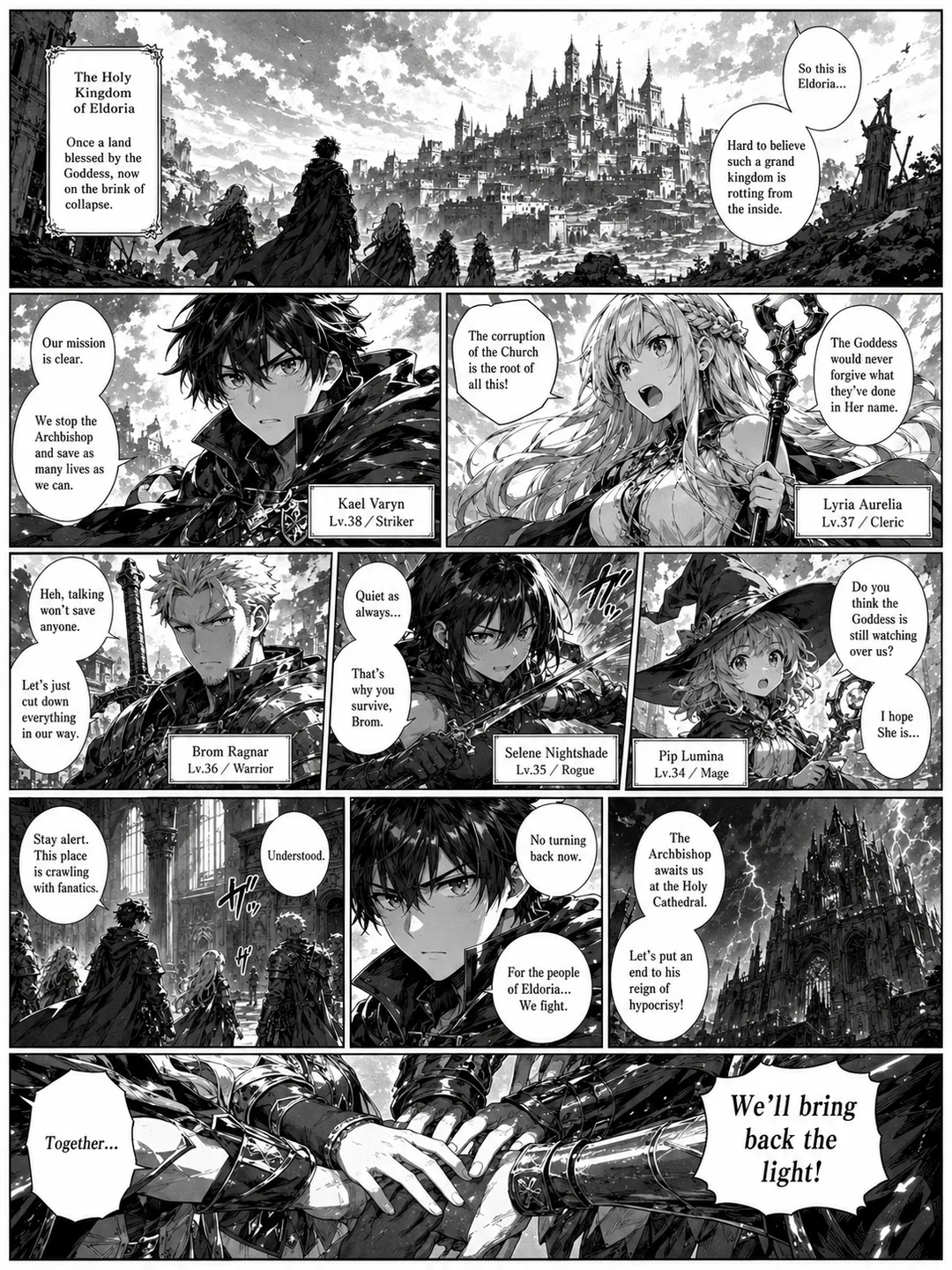
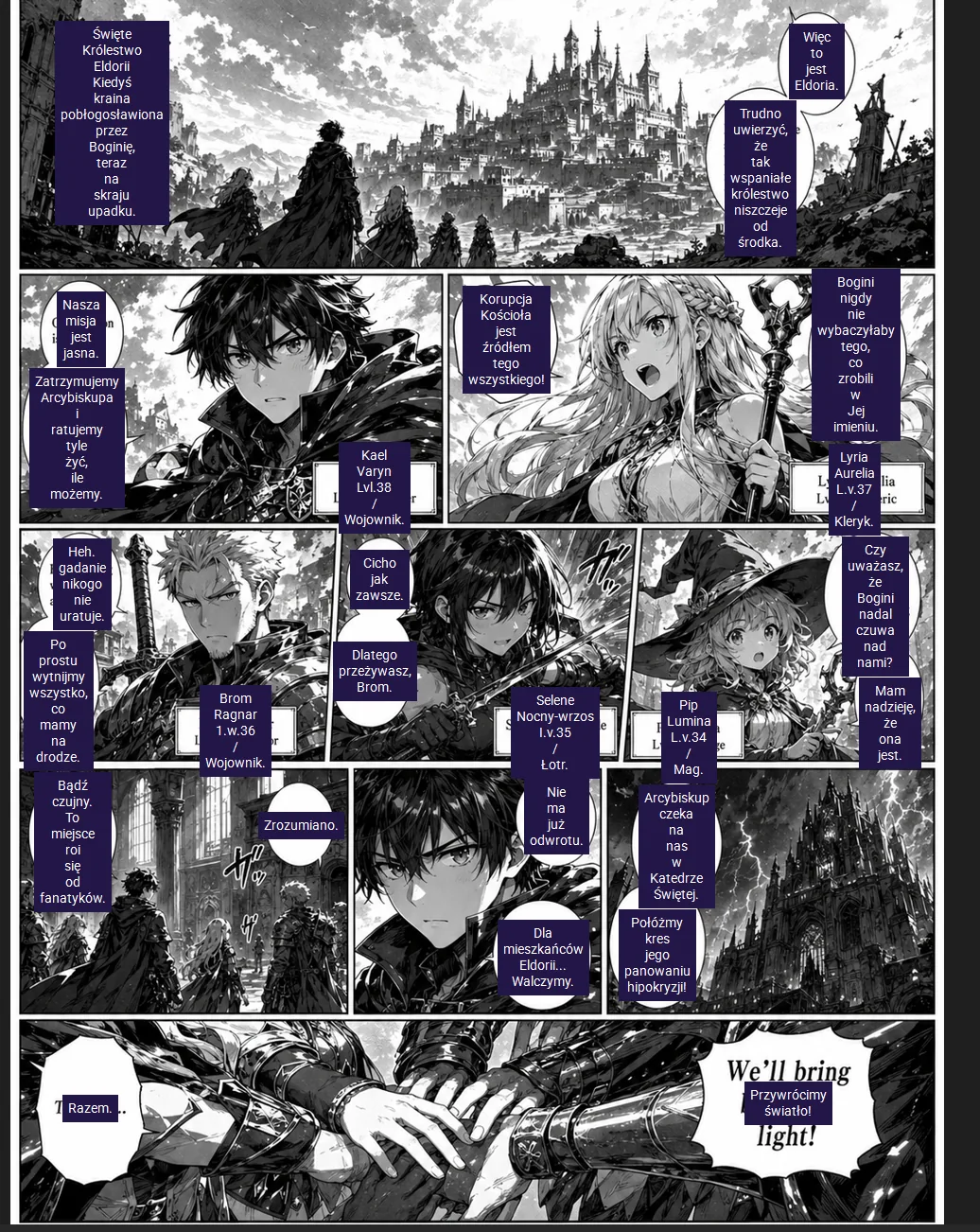 Original
Translated
Original
Translated
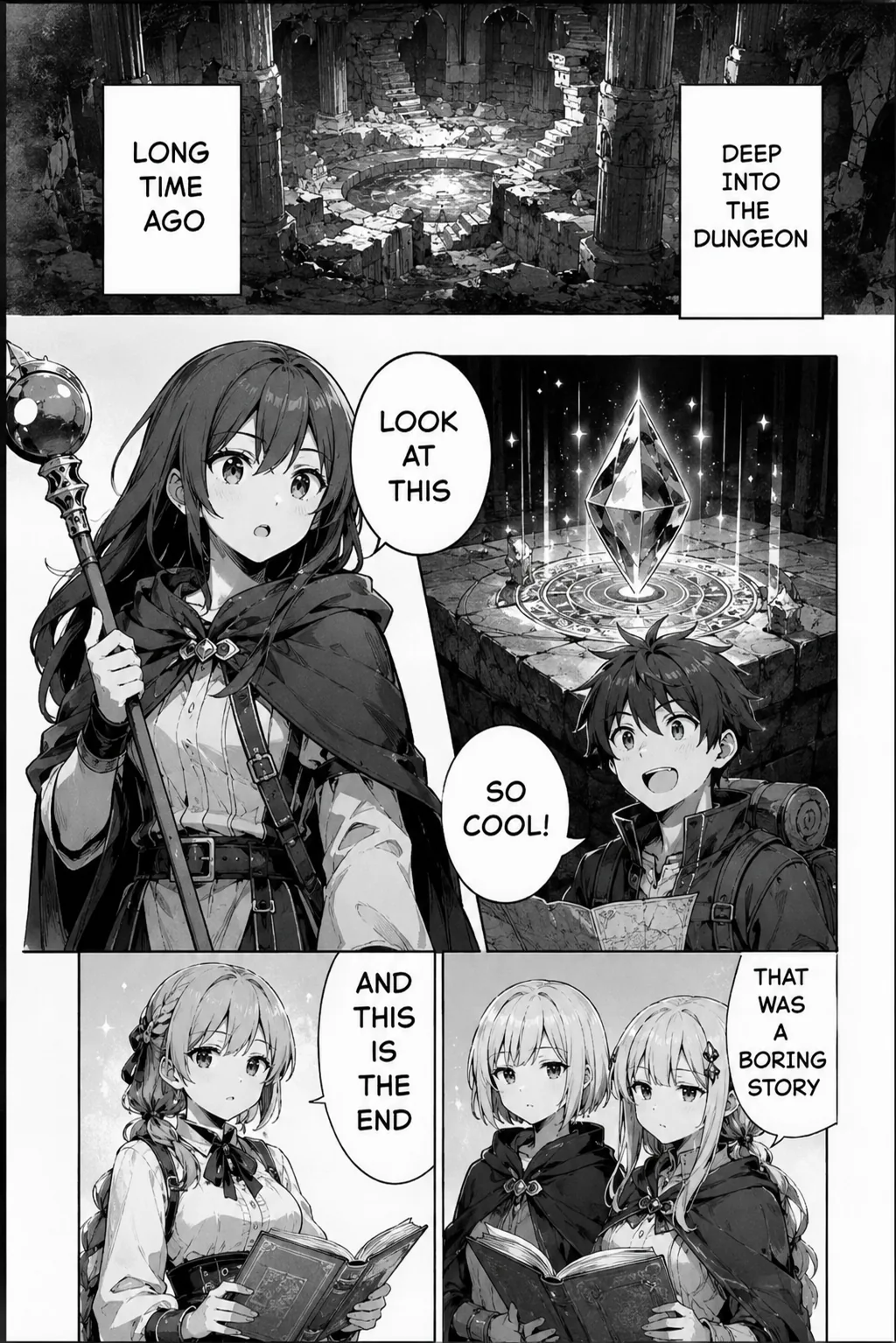
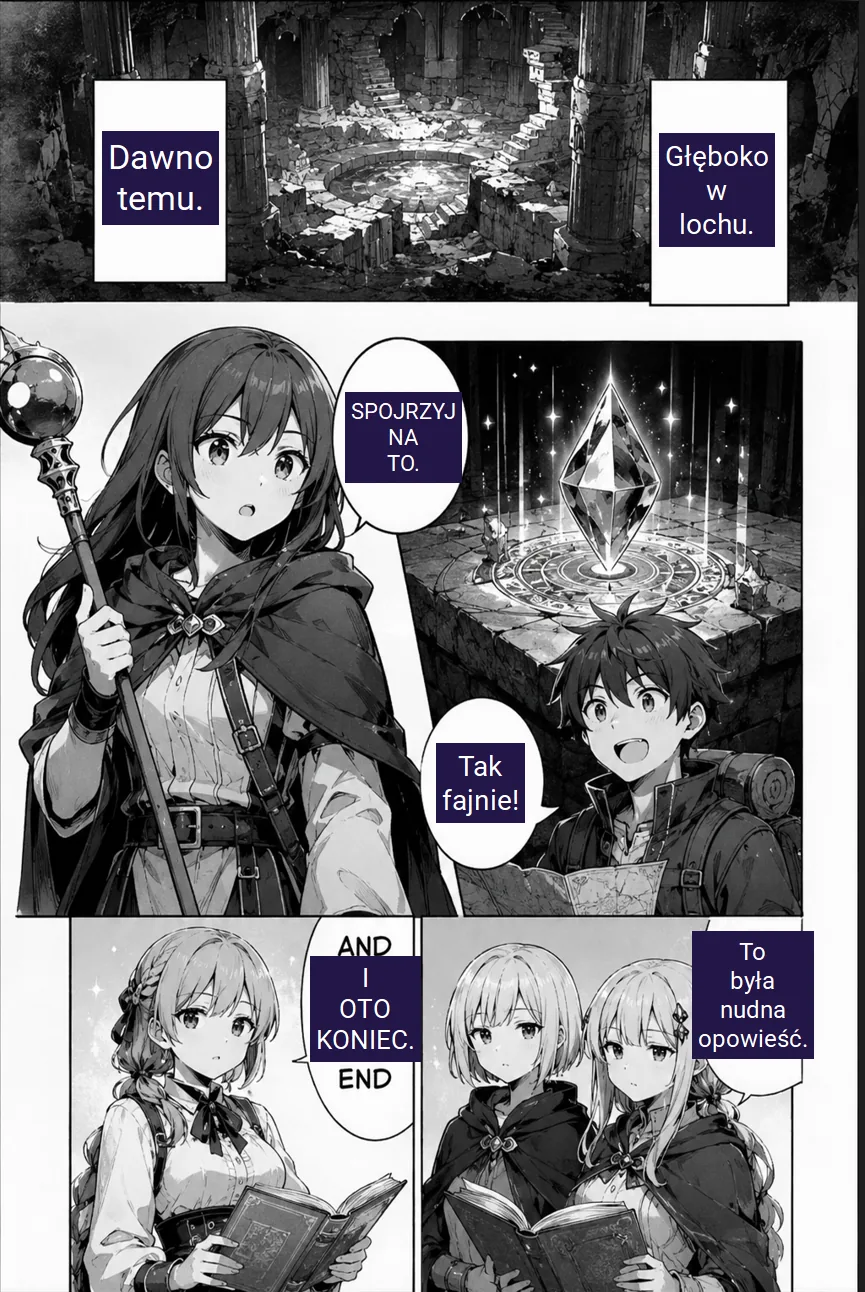 Original
Translated
Original
Translated
Manga reading is where static overlay quality matters. Thaluna can scan a page or selected area, detect vertical text, and place the translation directly over the original page instead of pushing everything into a separate window.
Translate directly on top of the original page layout. This is much closer to actually reading than copy-paste OCR tools.
Improves formatting for speech bubbles and comic-style layouts in Lens Mode.
Enable vertical text handling for pages that use traditional manga column layouts.
Adjust text color, background color, and font size in snapshot mode so overlays stay readable on dense artwork.
Capture the whole screen when you want a complete translated overlay on a manga page or webtoon panel.
Pick a smaller region when a page is busy or when you want higher OCR focus on a difficult speech bubble.
Use Continuous Lens when you are reading in a browser or app where the visible panel changes but you want to keep monitoring the same selected region. This mode remains optimized for manga/static pages rather than game-style typewriter dialogue.
Stay local by default, or switch to OpenRouter when you need better phrasing for more complex lines.
Use the free demo to test OCR, overlay behavior, languages, and performance before moving to the full workflow.