Real-time translation window
Keep a movable subtitle-style window on screen while OCR watches the capture region for new text.
Screen translator overlay
Thaluna is a screen translator overlay for Windows designed for games, anime, manga, visual novels, and desktop apps with on-screen text. It gives you a floating real-time translation window, manual Lens Mode, Continuous Lens for manga/static regions, Game Lens for in-place game text overlays, and OCR preprocessing profiles for difficult subtitles.

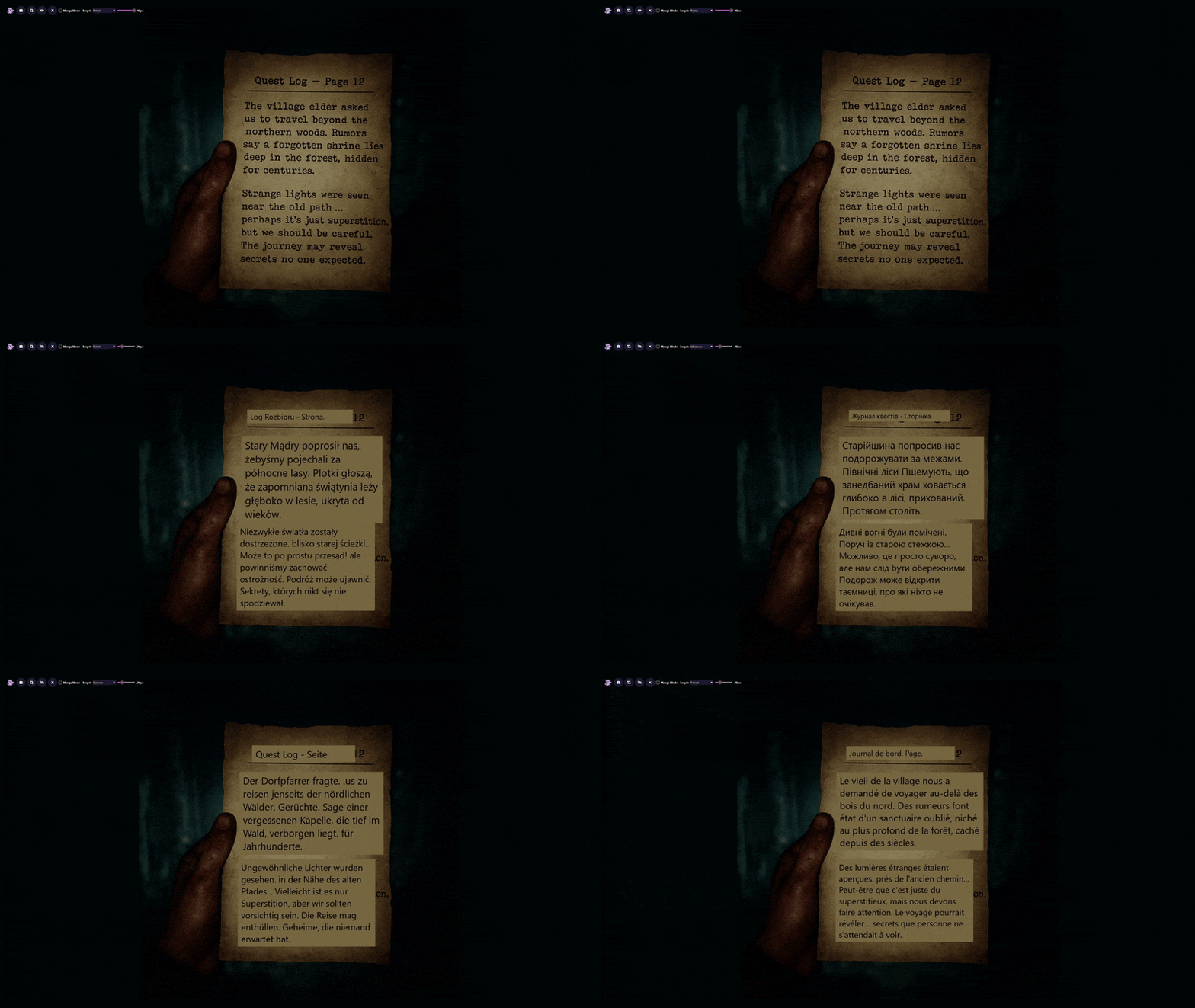
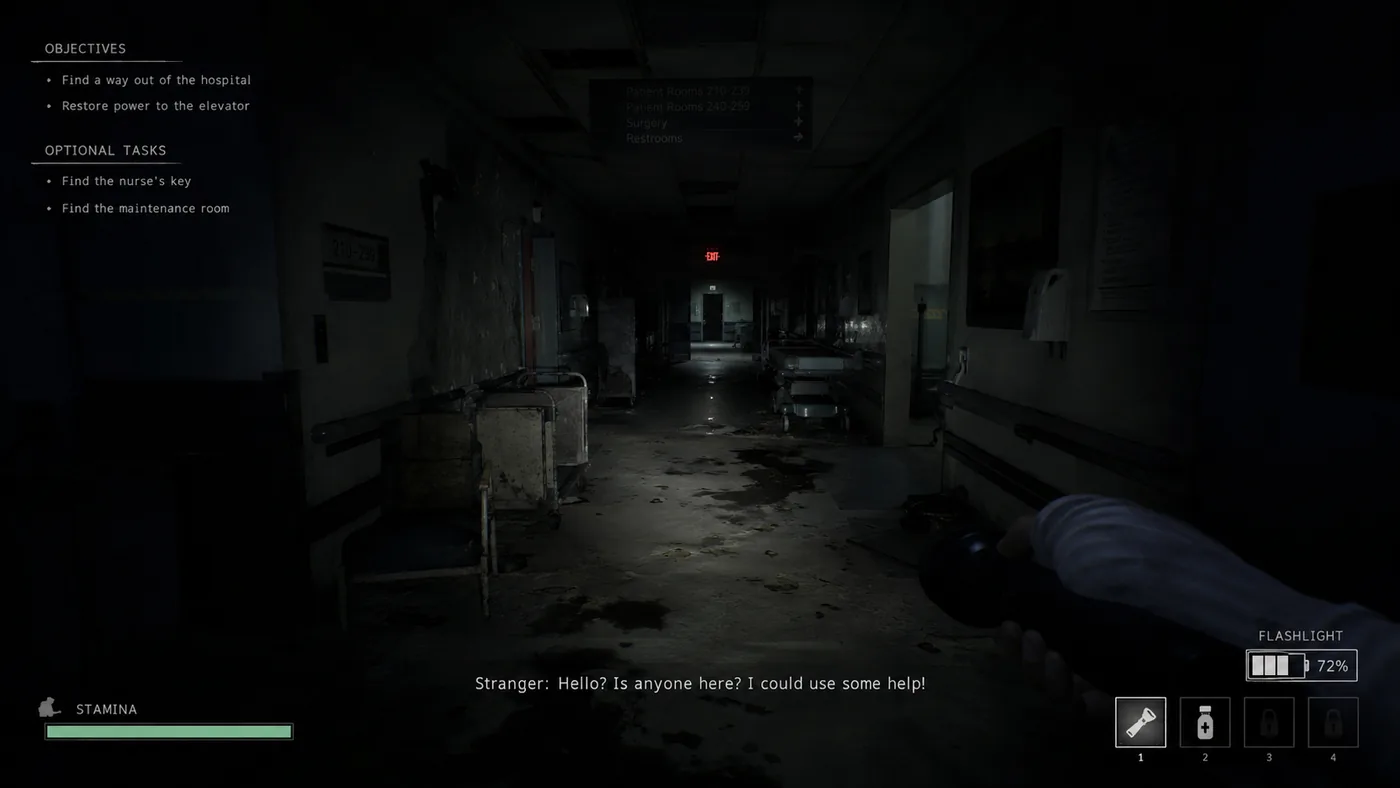
 Original
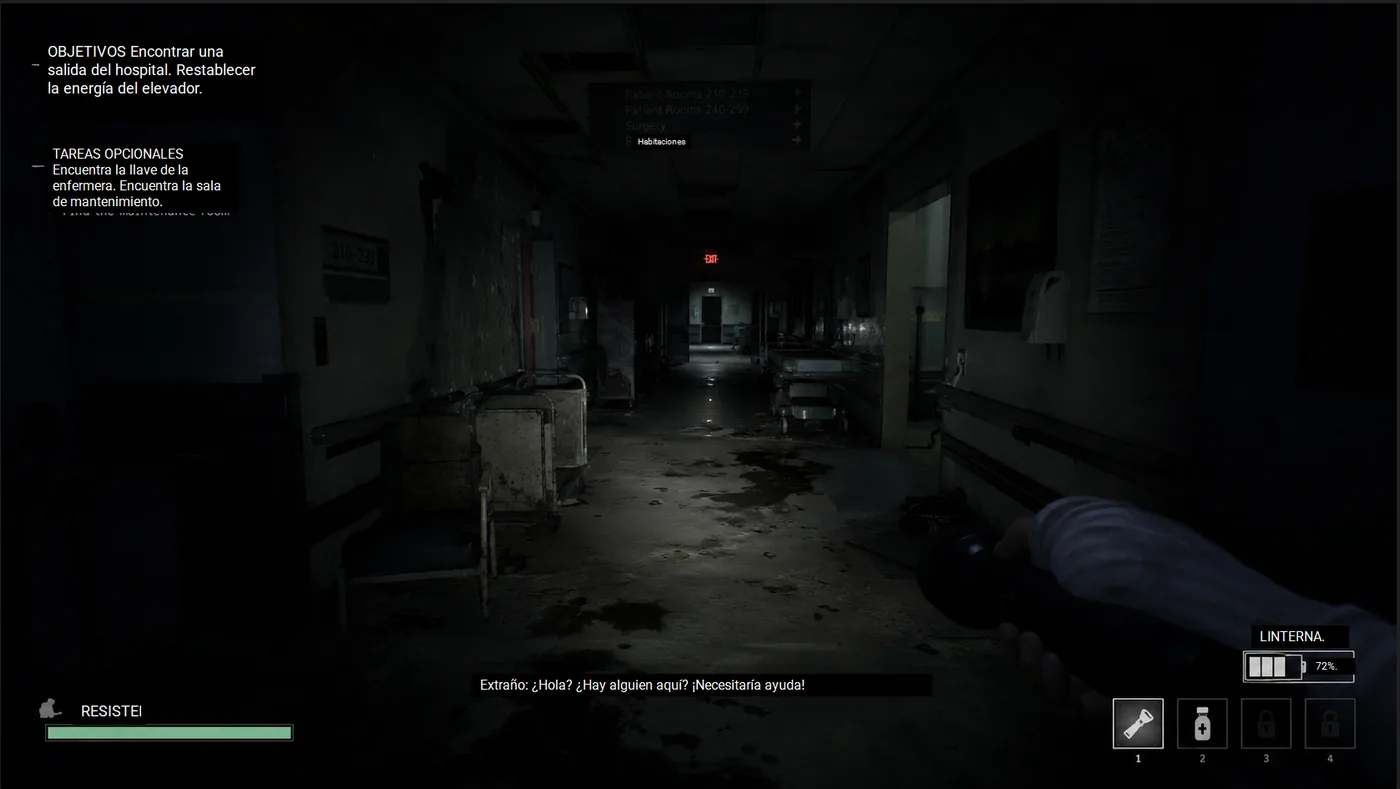
Translated
Original
Translated
Most screen translators force one capture model. Thaluna gives you a floating real-time translation window, manual Lens Mode, Continuous Lens for manga/static selected areas, and Game Lens for automatic in-place game text overlays. That matters because games, anime subtitles, manga pages, launchers, and desktop apps do not all behave the same way.
Keep a movable subtitle-style window on screen while OCR watches the capture region for new text.
Use full-screen scans or selected-area snapshots to put translated text directly over the original content.
Monitor a selected manga, page, or static UI area and refresh Lens overlays automatically when the content changes without reselecting it every time.
Watch a game or subtitle region, wait for animated text to settle, and keep translated boxes aligned over the original text.
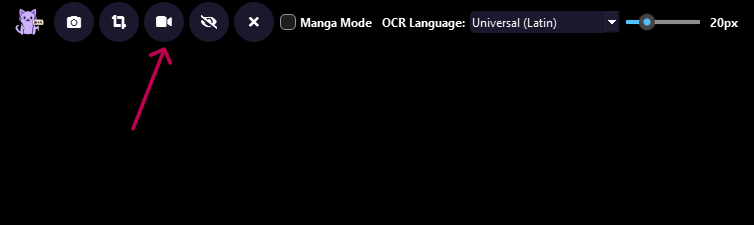
Use global hotkeys for snapshots, mode switching, overlay toggling, and layout presets.
Run fully offline with local models, plug into Ollama, or use OpenRouter for better translation quality when needed.
Dialogue boxes, menus, tutorials, item descriptions, and stylized text can use Game Lens plus OCR preprocessing instead of a generic desktop capture workflow.
Real-time OCR can follow subtitle regions, while snapshots are useful for paused scenes, settings windows, or dense text blocks.
Backlog viewing, transcript saving, auto-pause, and device controls matter when you are using the translator for hours instead of one screenshot.
Thaluna is specifically shaped around reading flow: capture area sizing, translation window sizing, Game Lens overlays, Lens Mode overlays, OCR preprocessing profiles, OCR language selection, backlog history, and saveable window layouts.
Use the free demo to test OCR, overlay behavior, languages, and performance before moving to the full workflow.